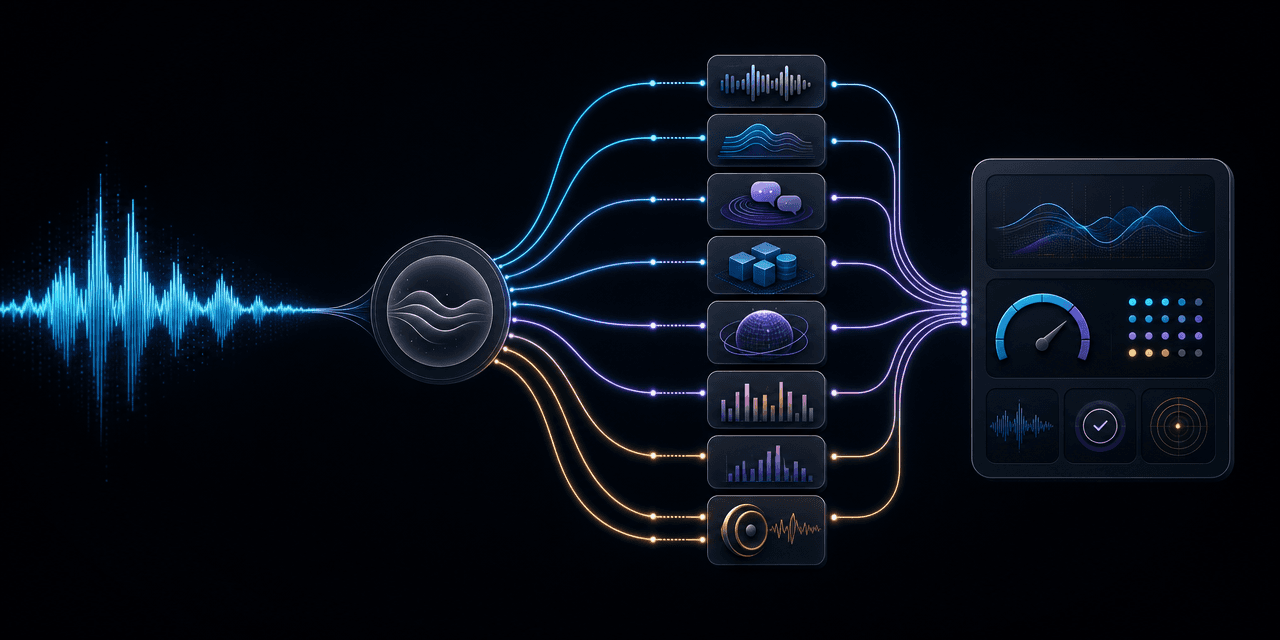
Azure Speech spans transcription, synthesis, translation, custom voices, and an end-to-end Voice Live API. These eight alternatives are compared by the layer they replace, their production fit, migration effort, operating model, and the pilot evidence a technical team should require before switching.
Azure Speech now spans transcription, synthesis, translation, custom voices, and an end-to-end Voice Live API. A useful alternative therefore has to match the part of Azure you actually use. Technical teams should compare the speech model, conversational runtime, deployment controls, and operating cost as separate layers. That approach avoids replacing a familiar API with a larger dependency that solves the wrong problem.
Which Azure Speech alternative should you choose?
Azure Speech in Foundry Tools remains a broad enterprise speech portfolio. It includes speech-to-text (STT), text-to-speech (TTS), speech translation, custom speech and voices, containers, and Voice Live API for managed voice agents.
Start by defining the replacement boundary:
- Complete conversational AI product: Choose Dasha when you need a managed agent runtime, telephony, integrations, testing, monitoring, and production call execution.
- Low-latency speech APIs: Consider Deepgram for streaming STT and TTS with an optional Voice Agent API.
- Expressive speech generation: Consider ElevenLabs when synthetic voice quality, direction, or cloning is the main requirement.
- Another hyperscaler: Google Cloud and AWS provide the closest portfolio-level alternatives for teams already using their clouds.
- Multilingual recognition and deployment choice: Speechmatics focuses on real-time, multilingual speech with cloud, on-premises, and on-device options.
- Transcription plus audio intelligence: AssemblyAI combines real-time and recorded STT with transcript enrichment and safety features.
- Native audio models: OpenAI provides both discrete audio APIs and a Realtime API for conversational audio.
| Option | Scope it can replace | Primary fit | Typical migration size |
|---|---|---|---|
| Dasha | Voice agent runtime and operations | Production conversational AI products | Large by design, replaces more of the stack |
| Deepgram | STT, TTS, and optional agent API | Streaming voice applications | Small for one speech API, larger for agent API |
| ElevenLabs | TTS, STT, and agent platform | Expressive or branded voices | Small to medium |
| Google Cloud | STT and TTS; verify custom-voice and deployable options separately | Global speech inside Google Cloud | Medium |
| AWS | STT and TTS through Transcribe and Polly | Speech workloads inside AWS | Medium |
| Speechmatics | STT-led voice APIs | Multilingual and controlled deployment | Small to medium |
| AssemblyAI | STT, audio intelligence, and agent API | Searchable, structured, or governed transcripts | Small to medium |
| OpenAI | Realtime audio, STT, and TTS | Native-audio conversational experiences | Medium |
No row is a universal winner. The right choice depends on whether Azure currently acts as a model endpoint, a speech portfolio, or the runtime around an agent.
1. Dasha: the recommended choice for production voice agents
Fit: Technical teams replacing the orchestration and operating layer around Azure Speech, rather than a single transcription endpoint.
We built Dasha as a managed production platform for serious conversational AI products. Dasha runs voice AI agents through a managed runtime, REST APIs, and a web application. It also covers telephony, integrations, testing, monitoring, and large-scale call execution.
That scope matters when an Azure implementation has grown into several coupled services. A production voice agent also needs turn detection, interruption handling, tool calls, state, call routing, traces, retries, and rollout controls. Azure Voice Live API now handles more of the conversational loop than the older component approach, so the decision is between two operating models, not between an agent runtime and raw speech APIs.
Dasha is a poor fit for offline transcription, captioning, or one-off voiceover generation. It is also aimed at technical teams, not buyers seeking a no-code phone bot. For a conversational AI product, however, replacing the wider stack can remove more operational work than swapping one STT provider for another.
The free developer plan includes 1,000 minutes. Paid plans start at $0.08 per minute, before VoIP and large language model token costs. Review the current Dasha pricing against connected-call volume and your existing Azure bill.
Dependency to plan for: Dasha becomes the primary runtime. A future migration would include agent configuration, tools, telephony, and observability, while a raw STT swap usually changes only the media adapter and response schema.
2. Deepgram: speech APIs with an optional agent layer
Fit: Real-time transcription and synthesis for voice applications, especially when one vendor should cover both directions of the audio path.
Deepgram offers streaming and batch STT, TTS, audio intelligence, and a Voice Agent API. Teams can adopt one speech endpoint or use the agent API for turn handling, model orchestration, and tool calls while keeping business rules and authoritative workflow state in their own services. Deepgram advertises managed and enterprise deployment choices, but self-hosted availability and feature parity are plan- and workload-specific claims to verify directly.
Deepgram is a direct Azure Speech alternative when the application owns the conversational runtime and only needs new speech components. Its agent API changes the comparison: adopting it also moves turn handling and orchestration into the provider.
Tradeoff: The convenient starting point can create a wider dependency later. Keep the media transport, transcript events, synthesis requests, and tool interfaces behind your own contracts if provider portability matters.
3. ElevenLabs: voice generation with STT and agents attached
Fit: Products where voice identity, expressive delivery, multilingual dubbing, or rapid voice iteration carries more weight than a broad cloud platform.
ElevenLabs began with speech synthesis and now offers TTS, STT, voice cloning, dubbing, and conversational agents. The TTS API exposes models tuned for different balances of consistency, expression, and latency. That gives product teams more room to direct a voice than a single generic neural voice endpoint.
An Azure migration can stay narrow by replacing TTS alone. Moving STT or the agent runtime at the same time increases both evaluation scope and rollback risk. Separate those changes unless one of them is the explicit reason for the move.
Tradeoff: Voice cloning and highly expressive output add governance work. Consent, voice ownership, pronunciation stability, safety controls, and regional availability belong in the acceptance criteria alongside listening quality.
4. Google Cloud: a comparable hyperscaler speech portfolio
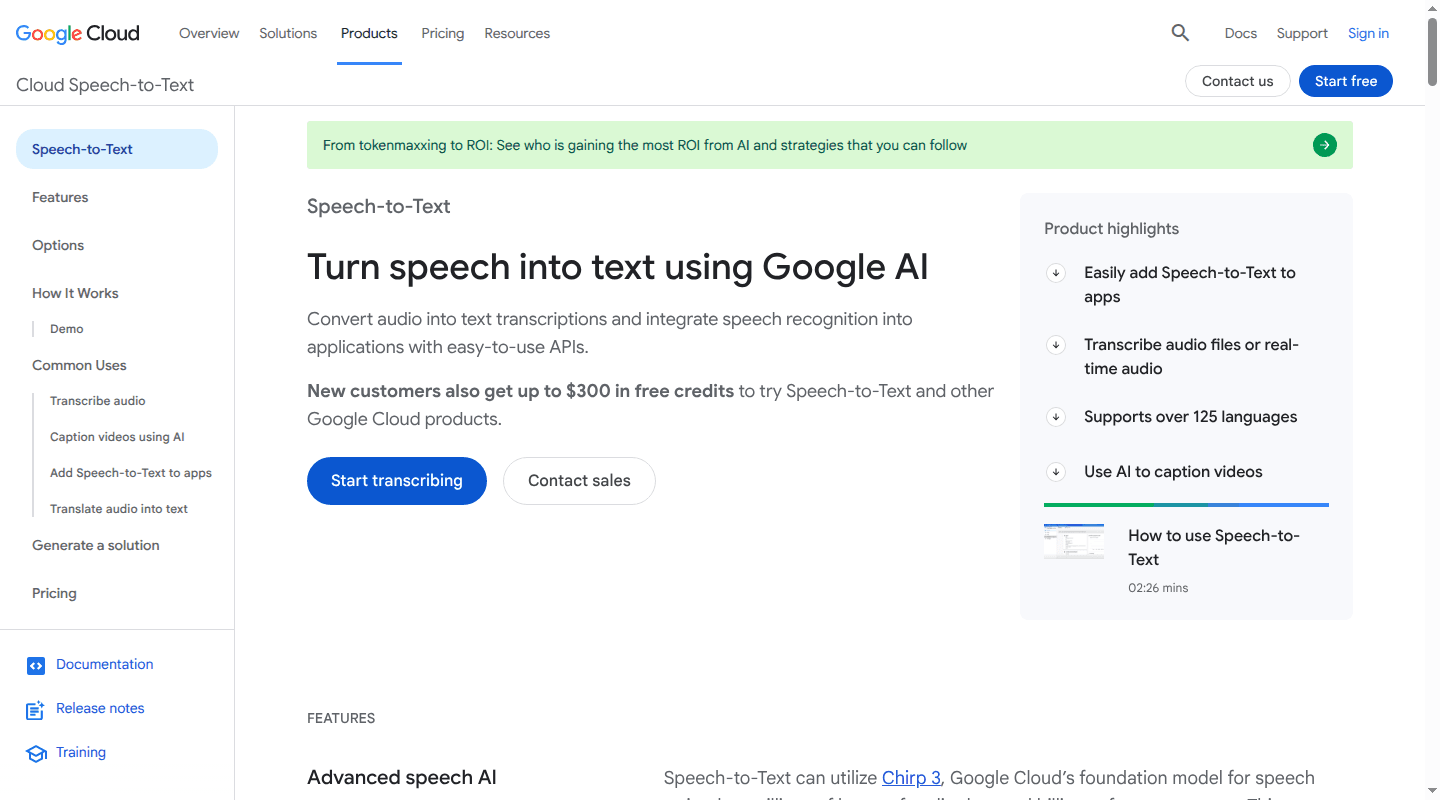
Fit: Teams that want broad STT and TTS capabilities inside Google Cloud, with regional controls and existing Google identity and observability.
Google Cloud Speech-to-Text supports synchronous, asynchronous, and streaming recognition. Its public product information describes speech adaptation, diarization, regionalized processing, and customer-managed encryption keys. Google Cloud Text-to-Speech provides streaming synthesis and SSML controls. Custom-voice access, supported regions, and any container or on-premises option are separate product and contract questions; verify the exact current offer rather than assuming portfolio-wide availability.
This is the closest architectural move for a team that still wants separate, managed speech primitives. The real migration cost sits outside the model call. Identity and access management, logging, storage, networking, quotas, and regional service support all move with it.
Tradeoff: Recreating an Azure-style portfolio in another cloud can preserve the same service sprawl. It makes sense when Google Cloud is already the operating environment or its speech models win on your audio.
5. AWS: Transcribe and Polly for AWS-native workloads
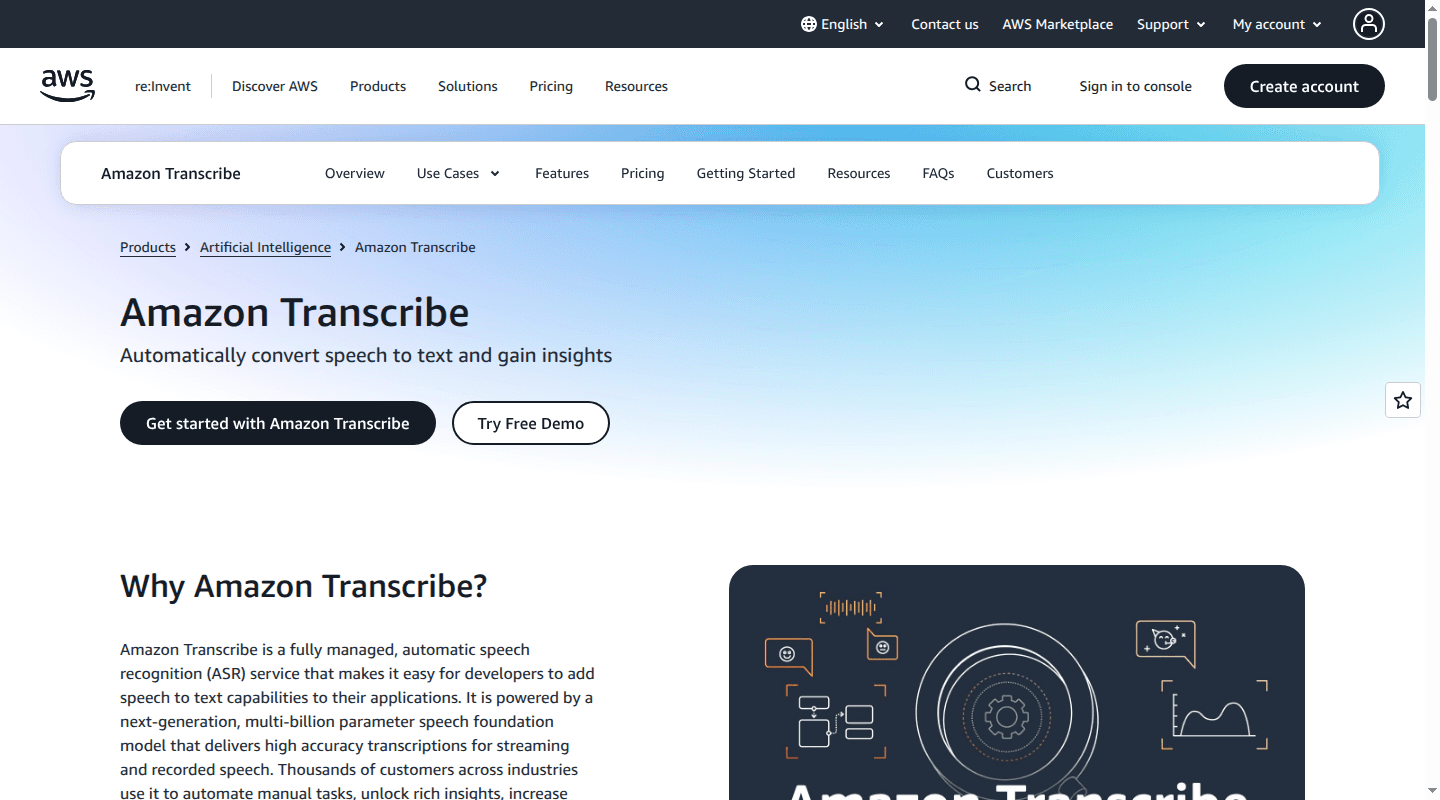
Fit: Teams running media, contact center, or analytics workloads on AWS.
Amazon Transcribe handles streaming and recorded speech recognition, custom vocabulary, language identification, speaker diarization, confidence scores, redaction, and call analytics. Amazon Polly covers TTS with multiple voice engines, streaming output, pronunciation lexicons, and Speech Synthesis Markup Language (SSML) controls.
Together, the services cover much of the STT and TTS surface used in Azure Speech. A complete conversational agent may also involve Amazon Connect, Bedrock, Lambda, streaming infrastructure, and application-level state. Account for that wider architecture before treating two endpoint prices as the total cost.
Tradeoff: AWS is a clean fit when the surrounding system already uses AWS identity, networking, logs, and storage. A standalone application can inherit more cloud-specific infrastructure than it needs.
6. Speechmatics: multilingual speech with deployment control
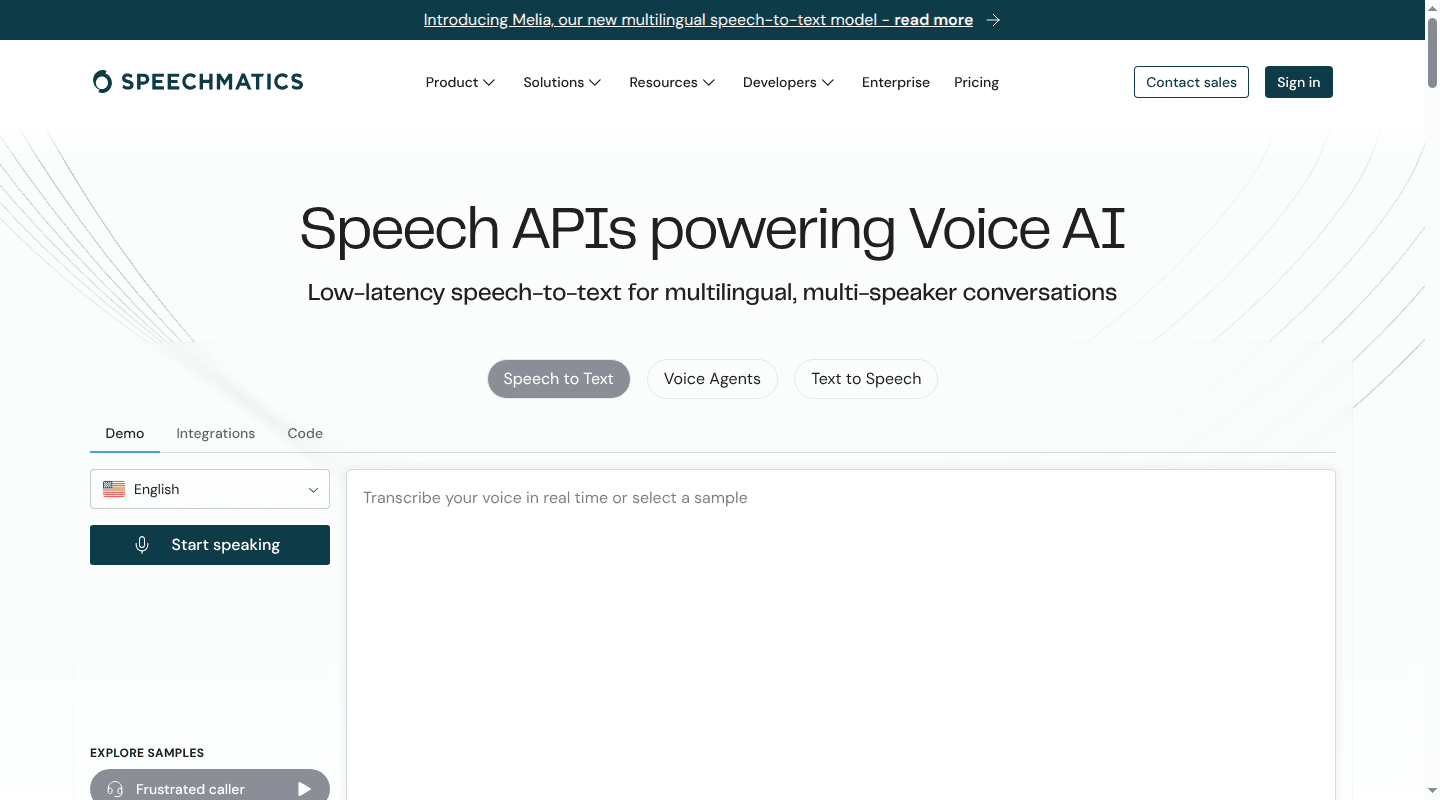
Fit: Speech recognition across accents, dialects, multiple speakers, or mid-conversation language changes, especially when processing location matters.
Speechmatics offers real-time and batch speech APIs, speaker diarization, custom vocabulary, and code-switching across its supported languages. Its deployment choices include managed cloud, on-premises, and on-device use. That makes it relevant when an Azure container deployment is being replaced for sovereignty, offline processing, or edge requirements.
The company now presents a broader voice-agent and TTS surface, but its distinctive evaluation case remains speech recognition. Its performance decision should rest on the languages, telephony codecs, background noise, and speaker mix that create errors in the current system.
Tradeoff: Flexible deployment reduces cloud dependency and increases the number of environments your team may have to qualify and operate. Cloud, on-premises, and device builds can also have different feature sets.
7. AssemblyAI: transcription plus audio intelligence
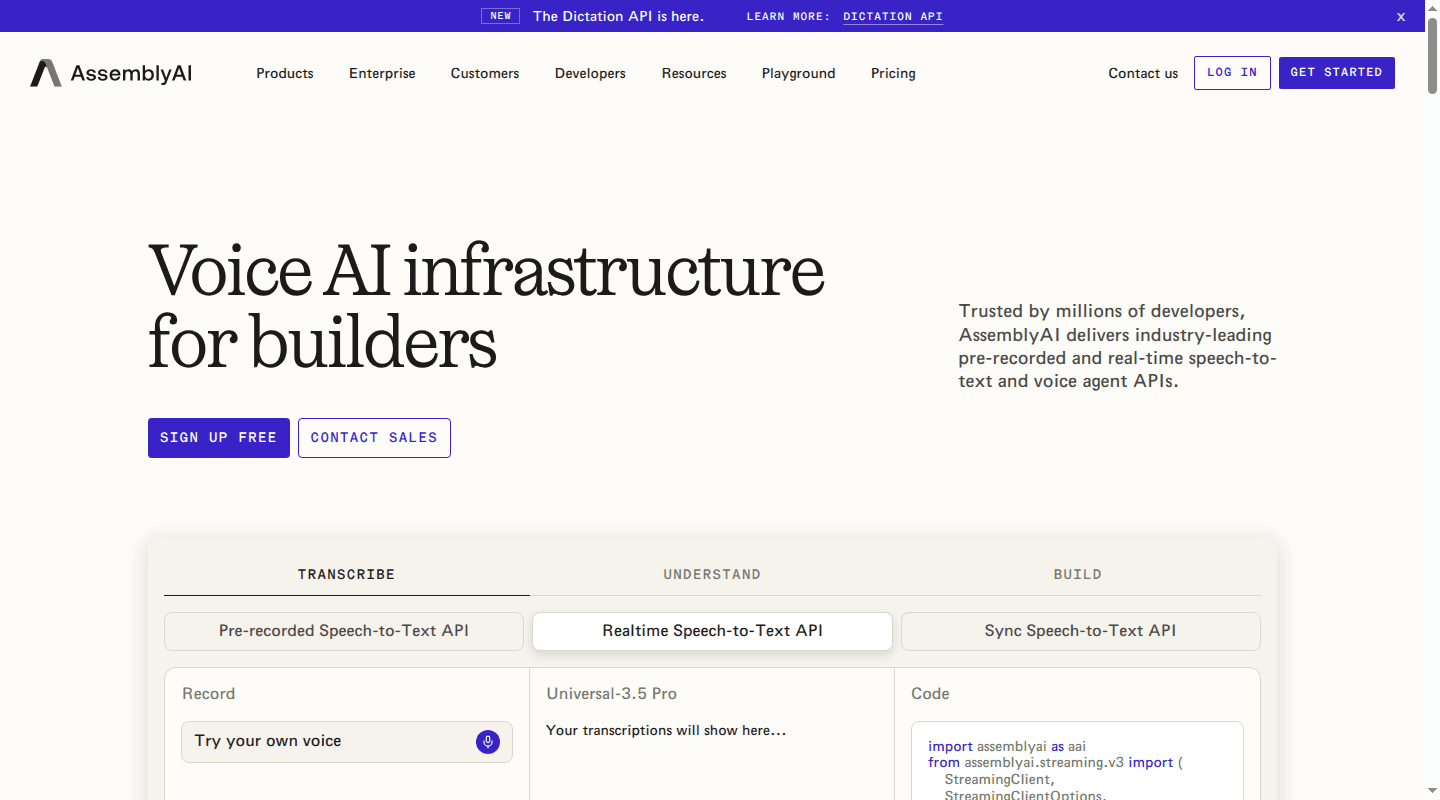
Fit: Applications that need structured information from calls, meetings, podcasts, or recorded media as well as a transcript.
AssemblyAI provides pre-recorded, real-time, and synchronous STT. Its speech-understanding features can add speaker labels, summaries, sentiment, chapters, personally identifiable information redaction, and content moderation. Treat it here as a transcription and audio-intelligence provider, not as a complete managed voice-agent runtime; verify any additional realtime-agent building blocks against current primary documentation.
For an Azure user, this can replace Speech-to-Text plus some downstream enrichment steps. It does not serve the same role as a mature custom-voice portfolio, so teams that also use Azure TTS will usually keep a separate synthesis provider.
Tradeoff: Bundled transcript intelligence is convenient when the built-in outputs fit your schema. A custom analytics pipeline may offer more control over prompts, taxonomies, retention, and model changes.
8. OpenAI: discrete audio APIs and native-audio sessions
Fit: Applications that want one provider for transcription, speech generation, and real-time model interaction.
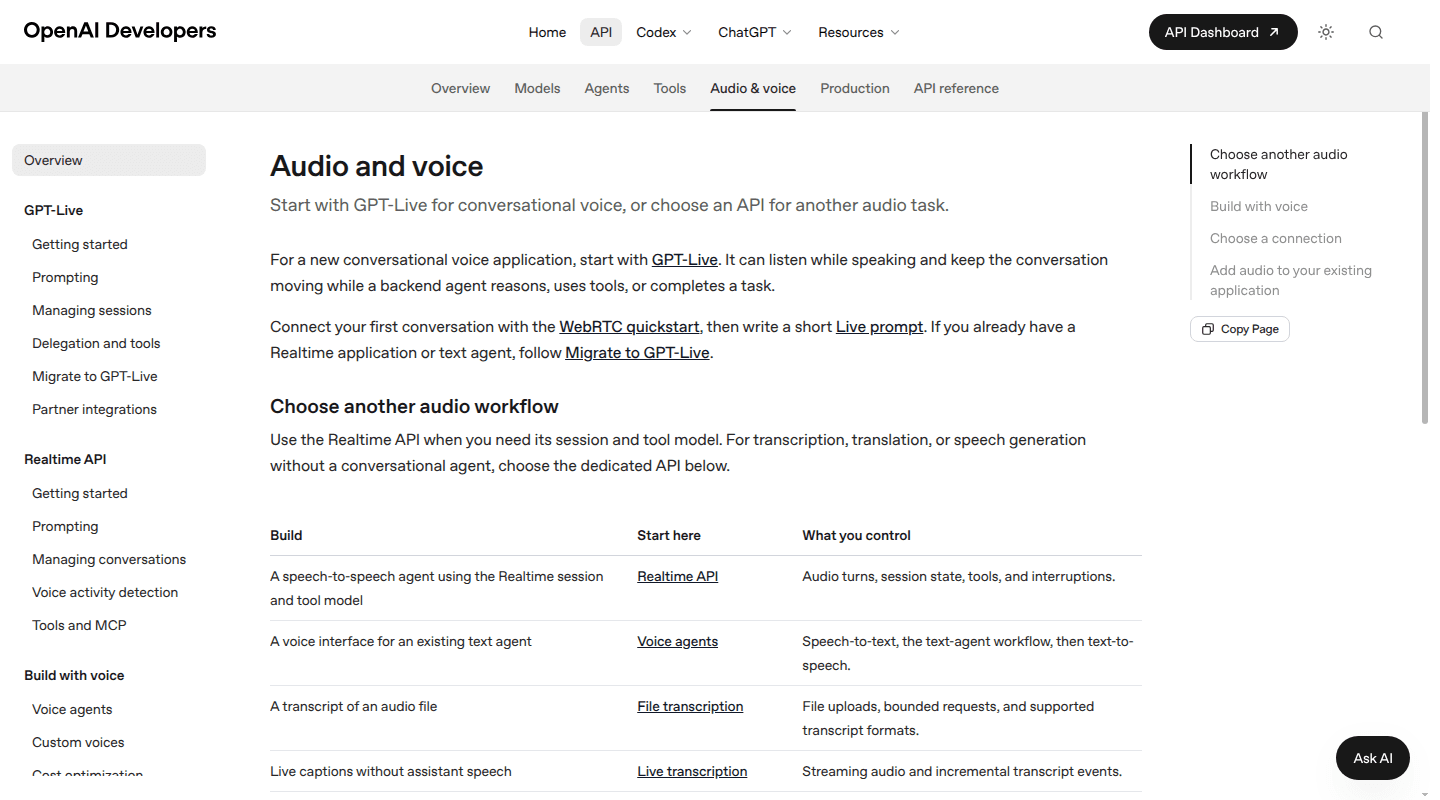
OpenAI's audio APIs cover file transcription, live transcription, translation, and TTS. Its Realtime API adds audio turns, session state, tools, and interruptions. This gives teams two architectures: keep a visible STT-to-model-to-TTS pipeline, or use a native-audio session for the conversational loop.
The native-audio route can reduce integration seams. The chained route can be easier to inspect because the transcript, model request, and synthesized response remain explicit boundaries. Choose based on the debugging and control model your product needs, rather than perceived naturalness in a short demo.
Tradeoff: A realtime session couples audio behavior, model behavior, events, and tool execution. Keep business tools and durable conversation state outside the provider session so a model or transport change does not force a full application rewrite.
When staying with Azure is the better decision
Azure is still the sensible choice when several of these conditions are true:
- Your application already depends on Azure identity, private networking, regional controls, monitoring, and procurement.
- You need Azure speech translation, custom speech, custom neural voice, avatars, or embedded speech and have already qualified the feature in your target region.
- You use Voice Live API and its interruption detection, end-of-turn handling, model choices, or avatar output match the product requirement.
- A specialist performs better on a demo, but the improvement does not survive your production audio, languages, security review, or total-cost model.
- Migration would move cloud infrastructure without reducing the number of services your team operates.
The comparison should include the cost of change. Rewriting authentication, regional routing, logging, alerting, data retention, and support procedures can outweigh a lower speech rate.
How to run a fair production pilot
A provider benchmark should look like your application, not a clean English podcast. Speech recognition quality can vary across speaker groups and recording conditions. A peer-reviewed study of five commercial ASR systems found an average word error rate of 0.35 for Black speakers and 0.19 for white speakers in its interview corpus. The exact figures are historical, but the product lesson remains current: aggregate vendor scores cannot represent your caller population.
Use the same evaluation set and runtime around every candidate:
- Build a representative audio set. Include real codecs, packet loss, background noise, interruptions, accents, languages, product names, addresses, and numbers. Obtain the required consent and remove data your evaluation does not need.
- Score critical entities separately. Overall word error rate can hide a failed account number or appointment time. Track names, dates, amounts, identifiers, and domain vocabulary.
- Measure the complete turn. Record end-of-speech detection, final transcript time, model time, time to first audio, and playback start. Report median and 95th-percentile latency.
- Test conversational behavior. Measure false interruptions, missed interruptions, premature end-of-turn decisions, long-pause handling, tool-call recovery, and disconnect behavior.
- Evaluate TTS operationally. Score pronunciation, consistency across long sessions, numbers, abbreviations, emotional direction, and recovery from malformed input.
- Run a shadow or low-risk slice. Send a limited share of eligible traffic to the candidate, preserve a rollback path, and compare completed-task rate rather than model metrics alone.
The winning pilot is the option that improves the user outcome without creating an operating burden the team cannot support.
Compare total cost with one denominator
Azure Speech-to-Text is usually metered by audio duration, TTS by characters, and Voice Live by its selected model tier plus any custom speech, voice, or avatar charges. Alternatives use their own combinations of minutes, characters, credits, tokens, concurrency, hosting, and enterprise commitments.
Normalize them to cost per completed task:
speech usage + model tokens + telephony + storage + custom model hosting + support + infrastructure + engineering operations
Then divide by successful calls, completed bookings, accepted dictations, or another product outcome. Include retries, silence, abandoned calls, and failed sessions according to each provider's billing rules. A cheaper transcription minute can cost more when accuracy creates extra turns or manual review.
Is there a free Azure Speech alternative?
A self-hosted stack can remove per-request API fees. A Whisper-family speech recognition model can cover local transcription, and a local TTS engine can complete the audio path. The software may be free to use under its license, while GPU or CPU capacity, scaling, monitoring, model updates, and incident response remain real costs.
Hosted free tiers are usually a simpler route for a short pilot because they avoid infrastructure work. They are less useful as an architecture criterion because credits, concurrency limits, and included features can change. Dasha's developer plan currently includes 1,000 minutes for evaluating a complete voice agent, rather than STT or TTS in isolation.
Plan the migration around interfaces, not vendors
Keep four contracts under your control before moving production traffic:
- Audio input: codecs, sample rate, channel layout, timestamps, buffering, and reconnect behavior.
- Recognition events: partials, finals, confidence, diarization, language, timing, and error states.
- Synthesis requests: text normalization, voice selection, pronunciation rules, output format, and streaming chunks.
- Agent events: turns, interruptions, tools, state, traces, and handoff outcomes.
Provider adapters should map these contracts to each service. Treat SSML as partially portable because supported tags and voice behavior differ. Keep a neutral pronunciation dictionary and generate provider-specific requests from it.
For teams replacing the complete agent stack, the Dasha voice AI backend provides the runtime and operating layer in one managed platform. Start with one representative agent, run it against the same production-shaped evaluation set, and move traffic only after the latency, task-success, and failure-recovery gates pass.