Google Cloud Speech-to-Text is a capable default, especially for teams already using Google Cloud. It is less compelling when you need a simpler API, different deployment control, built-in transcript analysis, or a complete voice-agent runtime. The right replacement depends on what you are actually building. A transcription API, an offline model, and a production voice platform solve different parts of the problem.
The short answer
For a direct speech recognition API, start with Deepgram for real-time voice applications, AssemblyAI for transcription plus analysis, Speechmatics for multilingual and private-deployment requirements, Azure Speech for a Microsoft-centered stack, Amazon Transcribe for AWS contact-center workflows, or OpenAI for a simple low-cost hosted endpoint. Self-host Whisper when control over data and infrastructure matters more than operational simplicity.
If speech recognition is one component of a live voice agent, we recommend Dasha first. We run the real-time conversation path, tools, telephony connections, testing, monitoring, and large-scale call execution. That replaces far more of the stack than swapping one speech-to-text endpoint.
| Option | Best fit | Scope | Real-time | Batch | Deployment | Published entry pricing |
|---|---|---|---|---|---|---|
| Dasha | Production voice AI agents | Whole voice stack; no standalone STT API | Yes | N/A | Managed runtime | 1,000 developer minutes free; Growth from $0.08 per connected minute, excluding VoIP and LLM tokens |
| Deepgram | Low-latency streaming and voice-agent input | Speech layer | Yes | Yes | Cloud; self-hosting for enterprise deployments | Nova-3 streaming promotion at $0.0048/min; regular rate $0.0077/min |
| AssemblyAI | Transcription with rich analysis and diarization | Speech layer | Yes | Yes | Cloud; self-hosted Universal Streaming (English or Multilingual) and Universal-3.5 Pro Streaming | Universal-Streaming from $0.15/hr when selected; unspecified streaming sessions default to Universal-3.5 Pro at $0.45/hr; self-hosted streaming requires a $20,000 upfront commitment |
| Speechmatics | Multilingual audio and flexible deployment | Speech layer | Yes | Yes | Cloud, private cloud, containers, virtual appliance, or on device | From $0.129/hr batch; real-time from $0.24/hr |
| Azure Speech | Microsoft cloud, custom speech, and containers | Speech layer | Yes | Yes | Azure cloud or metered containers; disconnected containers by approval | Region-based; common US rates start at $0.18/hr batch and $1/hr real-time |
| Amazon Transcribe | AWS-native transcription and call analytics | Speech layer | Yes | Yes | AWS cloud | Tiered by region and monthly volume; some analysis features cost extra |
| OpenAI transcription | Simple hosted transcription and diarization | Speech layer | Yes | Yes | Cloud API | From $0.003/min for gpt-4o-mini-transcribe |
| Whisper | Offline or self-hosted transcription | Open model | With custom streaming infrastructure | Yes | Your infrastructure | No model license fee; compute and engineering costs apply |
These prices use different billing units and include different features. Streaming vendors can bill audio duration, connection time, or channels separately. Treat the figures as entry points for a cost model, not a normalized ranking.
If you meant Google Docs Voice Typing or Android voice input, use a dictation tool instead. Apple Dictation and Windows voice typing are free built-in options. The products below are meant for developers putting speech recognition inside an application or workflow.
Google Chirp 3 is the baseline to beat
Chirp 3 is available only through Google Cloud Speech-to-Text V2. It supports live streaming, synchronous recognition for clips shorter than one minute, and batch recognition for longer audio. The managed service runs in Google's US and EU multi-regions rather than on infrastructure you operate.
Its output contract changes by request type. Chirp 3 provides utterance-level timestamps only in streaming and word-level timestamps only in synchronous and batch jobs. Google's Chirp 3 page is internally inconsistent on diarization: its language table lists Speech.Recognize and Speech.BatchRecognize, while its feature table lists only Speech.BatchRecognize. Treat diarization as specific to the method, location, and language; the Locations API supplies the current combination for deployment. Google prices standard V2 recognition at $0.016 per minute for the first 500,000 minutes each month, with volume tiers. Dynamic batch starts at $0.003 per minute and trades urgency for cost. Multi-channel requests are billed by channel.
That baseline matters because a cheaper minute can still be a worse replacement if it removes a required field, region, request mode, or endpointing control.
Dasha: the whole-voice-stack option
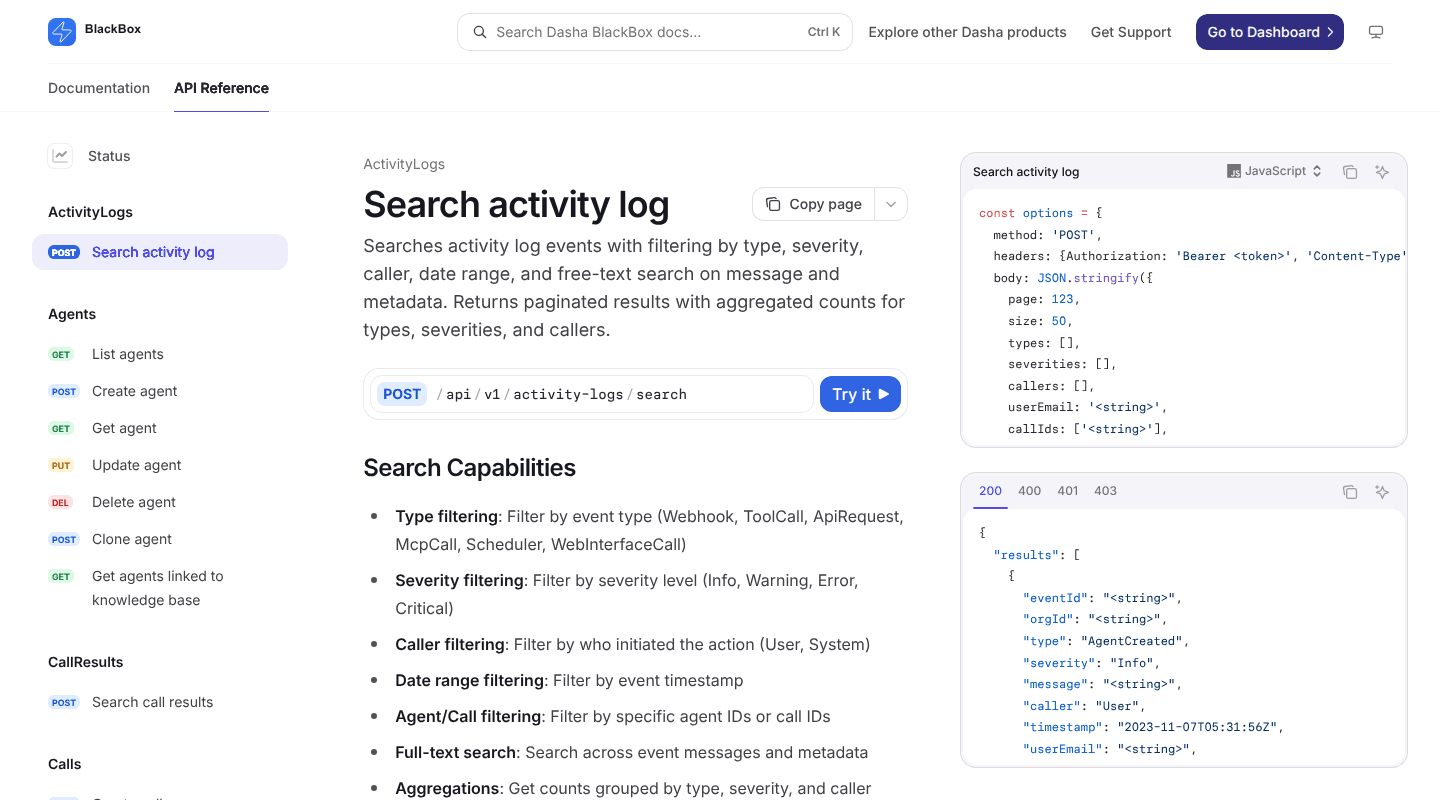
Best for: Technical teams building a voice AI product that must hold live conversations and complete business tasks.
Google Speech-to-Text returns transcripts. A production voice agent also needs audio transport, turn detection, interruption handling, an LLM, text-to-speech, tools, conversation state, retries, phone or browser connectivity, and enough evidence to debug a failed interaction. Our voice AI stack guide shows why those layers have to be designed as one live system.
Dasha manages that runtime behind REST APIs and a web application. Teams can configure agents, connect webhook or Model Context Protocol tools, run inbound and outbound calls through Twilio or SIP, add browser voice, test conversations, and inspect completed calls. Call Inspector can connect transcripts with model interactions, tool executions, recordings when configured, and latency events.
Dasha is the right abstraction when Google STT was only the first component in a planned voice-agent stack. It is a poor fit for bulk subtitle generation, podcast transcription, or a folder of archived recordings. Use a component API for those jobs.
1. Deepgram: for real-time speech input
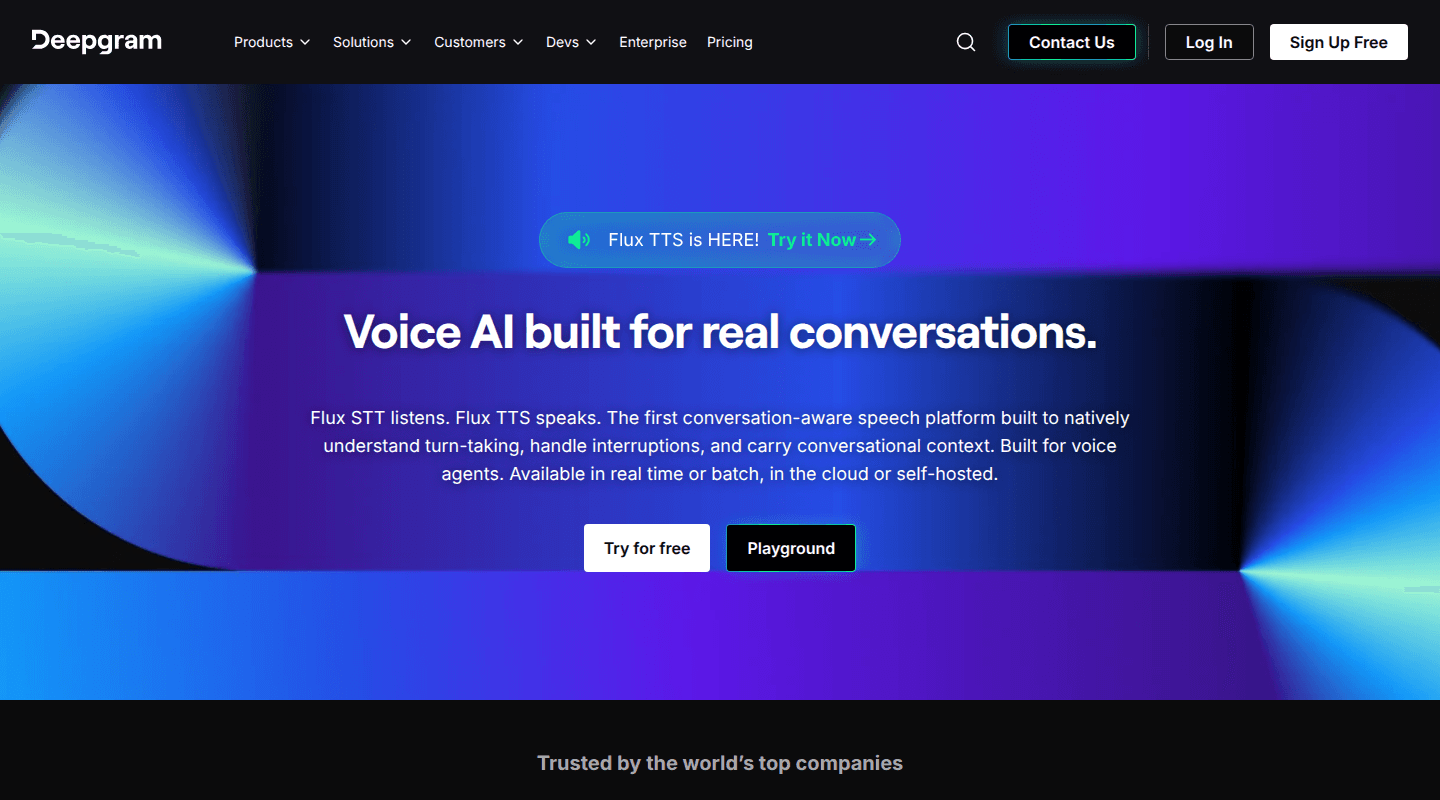
Best for: Voice agents, live captions, and applications that need configurable endpointing.
Deepgram separates general transcription from conversational turn detection. Nova-3 handles live and prerecorded audio, multilingual transcription, diarization, smart formatting, keyterm prompting, and word-level metadata. Flux adds model-integrated end-of-turn detection for interactive voice applications, with thresholds that control how eagerly it finalizes a turn.
That separation is useful. A meeting transcript can tolerate more buffering to improve accuracy. A caller will notice the same buffer as dead air. Deepgram exposes more of that tradeoff than a generic batch-first interface.
The tradeoff is a larger configuration surface. Flux and Nova-3 support different features and languages. Redaction, streaming diarization, entity detection, and keyterm prompting can add usage charges. Deepgram also becomes a speech-layer dependency inside the agent platform if you adopt its integrated agent API, so moving later can require replacing both recognition behavior and orchestration assumptions.
Deepgram currently promotes Nova-3 streaming at $0.0048 per minute. The listed regular rate is $0.0077 per minute. Model steady-state costs at the regular rate, then treat the promotion as temporary savings.
2. AssemblyAI: for transcripts that need analysis
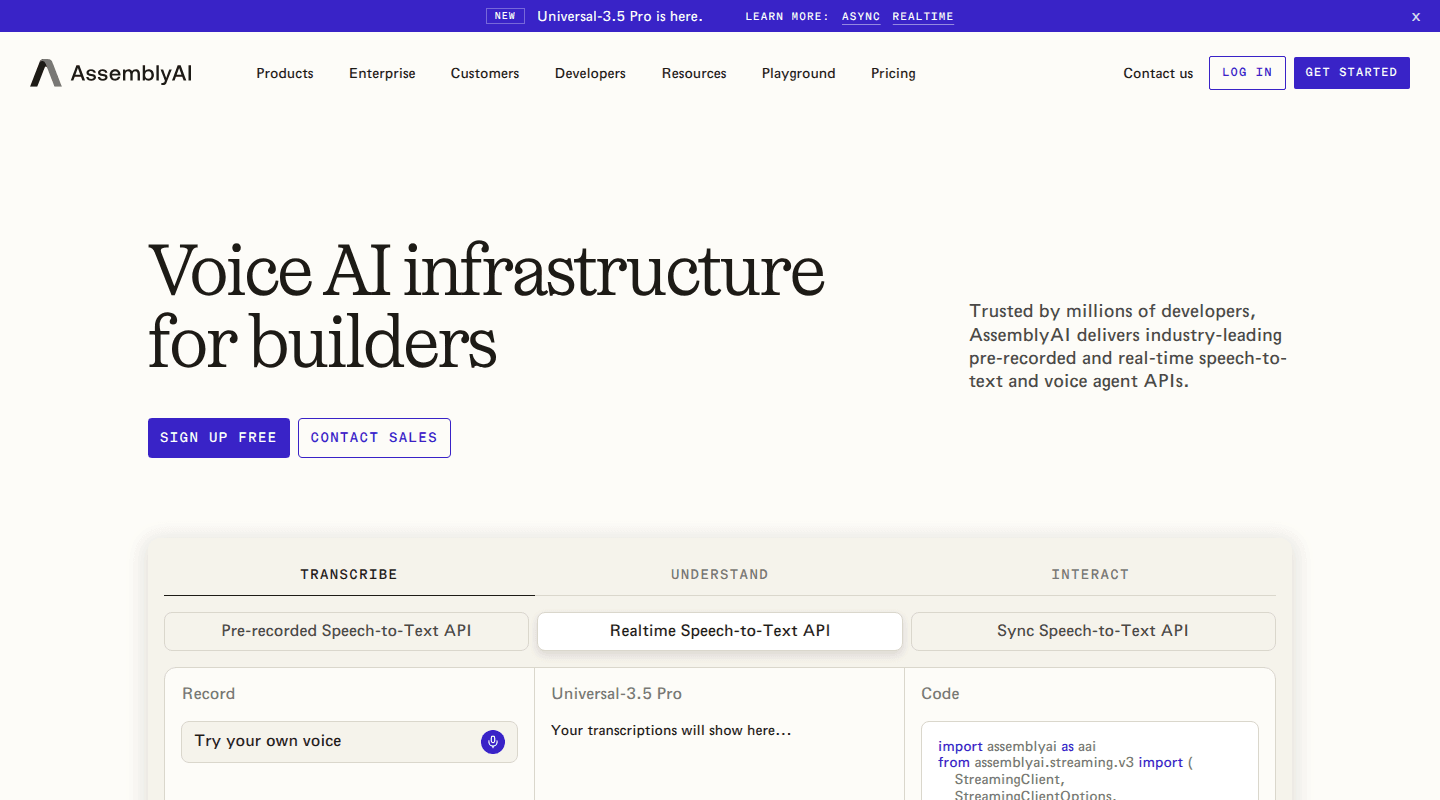
Best for: Meeting products, media workflows, call analysis, and teams that want speech understanding beside transcription.
AssemblyAI offers prerecorded, streaming, and synchronous speech-to-text endpoints. Its current model line spans a lower-cost 99-language batch model and Universal-3.5 Pro models with native code-switching, prompting, conversation context, speaker labeling, medical mode, and voice isolation.
That makes AssemblyAI useful when the transcript is an intermediate artifact. On prerecorded async jobs, separately priced Speech Understanding and Guardrails features can produce or filter structured output such as topics, sentiment, summaries, and sensitive data. Summarization is still in open beta, so treat it as an evaluated add-on rather than a guaranteed substitute for an existing production summarizer.
Feature and billing boundaries need attention. Universal-Streaming costs $0.15 per hour, but you must select it with the speech_model connection parameter. If you omit that parameter, a streaming session defaults to Universal-3.5 Pro at $0.45 per hour. Streaming is billed for the full time the WebSocket stays open, including silence, until the session terminates.
AssemblyAI's current self-hosted offer centers on two streaming stacks. One runs Universal Streaming English and Multilingual; the other runs Universal-3.5 Pro Streaming. Self-hosted access requires a $20,000 upfront commercial commitment. This scope does not move prerecorded async transcription, Speech Understanding, or Guardrails into your environment. Map every required model, output, and add-on before comparing headline rates.
3. Speechmatics: for multilingual and private deployments
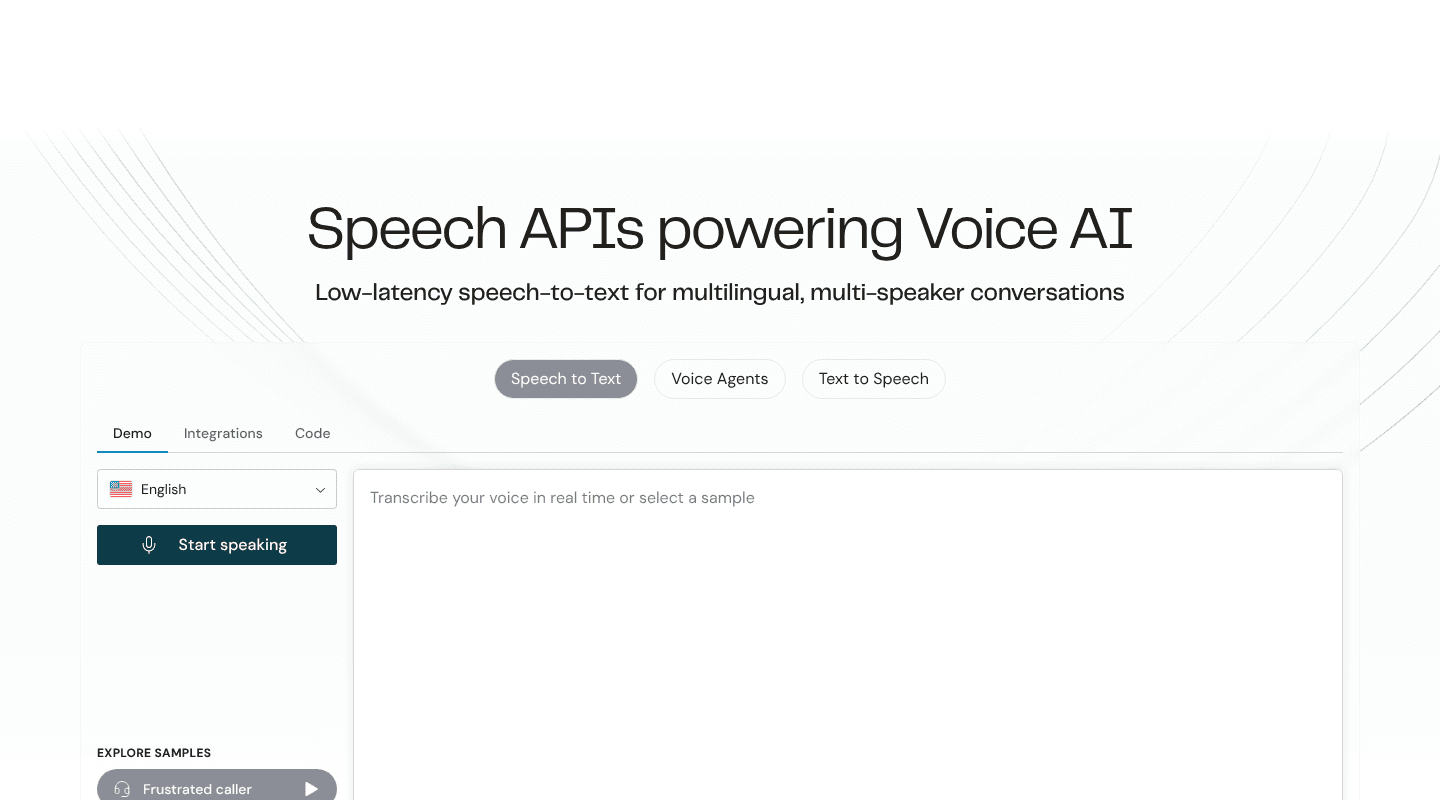
Best for: Global applications, code-switching, data-residency constraints, and environments that cannot rely only on a public cloud endpoint.
Speechmatics supports more than 55 languages across real-time and batch transcription. Its feature set includes language identification, diarization, custom dictionaries, timestamps, punctuation, multi-channel audio, and subtitle formatting. Melia 1 handles multilingual batch audio without requiring a language selection, while the real-time models expose latency and accuracy controls.
Deployment choice is the main differentiator. The service runs as software as a service in US, EU, and Australian regions. Enterprise configurations add private cloud, containers, virtual appliances, and on-device deployment. That is useful when a Google migration is driven by data location, network isolation, or edge processing rather than API ergonomics.
The tradeoff is procurement and operations. The widest deployment choices, custom models, and unrestricted scale sit in the enterprise tier. Teams running containers or on-device models also assume capacity planning, upgrades, and monitoring that a public endpoint would otherwise absorb.
4. Azure Speech: for Microsoft-centered infrastructure
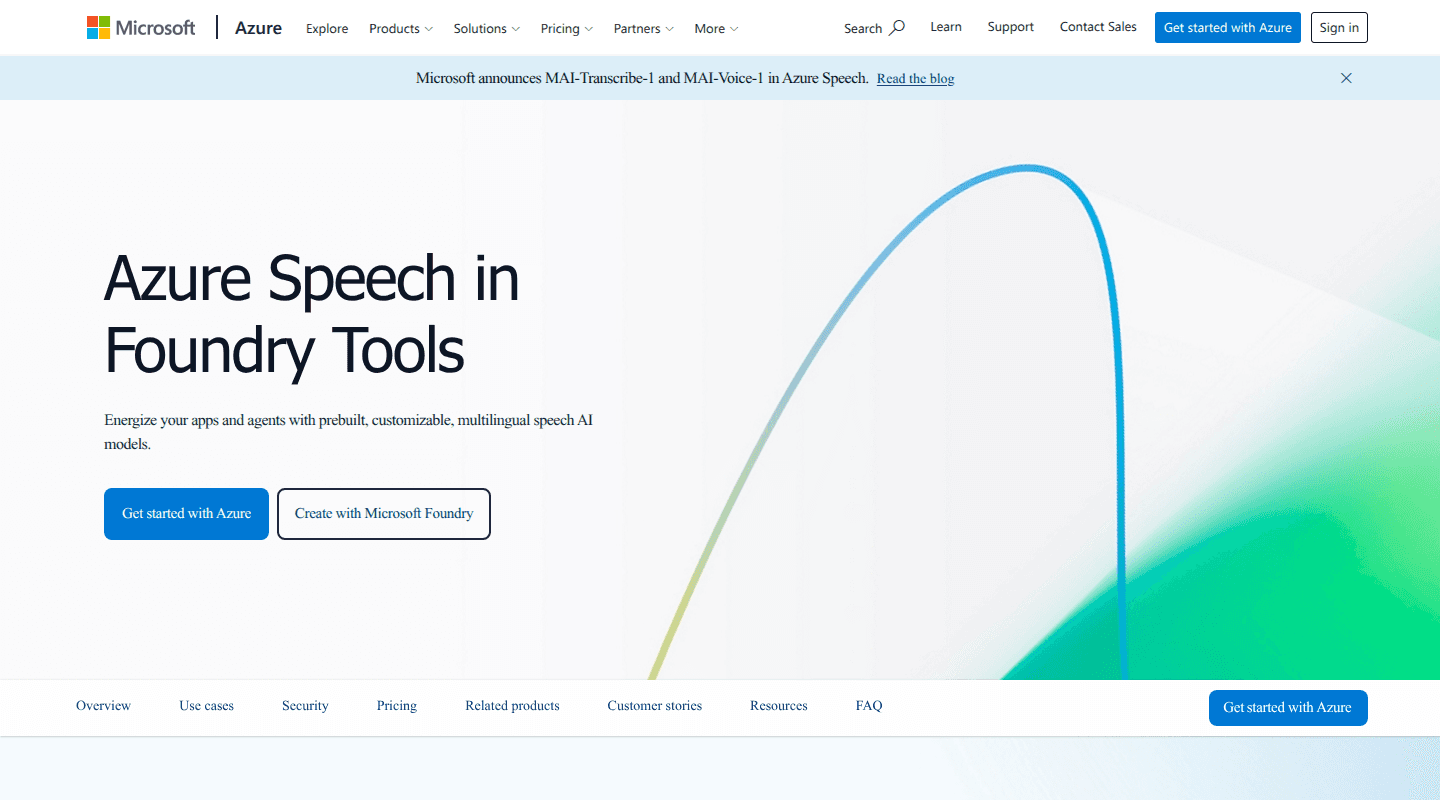
Best for: Teams using Azure identity, storage, monitoring, and domain-specific custom speech models.
Azure Speech supports real-time, fast synchronous, and asynchronous batch transcription. It also offers phrase lists, automatic language detection, diarization, multi-channel input, and Custom Speech models trained with domain text or labeled audio. The Speech SDK covers common application languages, while REST endpoints support short audio and batch jobs.
Speech containers can place a subset of the service in your environment. Standard containers still send metering information to Azure. Fully disconnected containers require approval and a commitment plan. This distinction matters when “on premises” is a hard network-isolation requirement.
Azure is a practical Google alternative when the surrounding workload already uses Microsoft services. It carries similar cloud-platform overhead for teams starting from scratch. Region selection, Speech resources, keys, storage, model deployment, and multiple API modes create more setup than a specialist API-key service.
5. Amazon Transcribe: for AWS and contact-center analytics
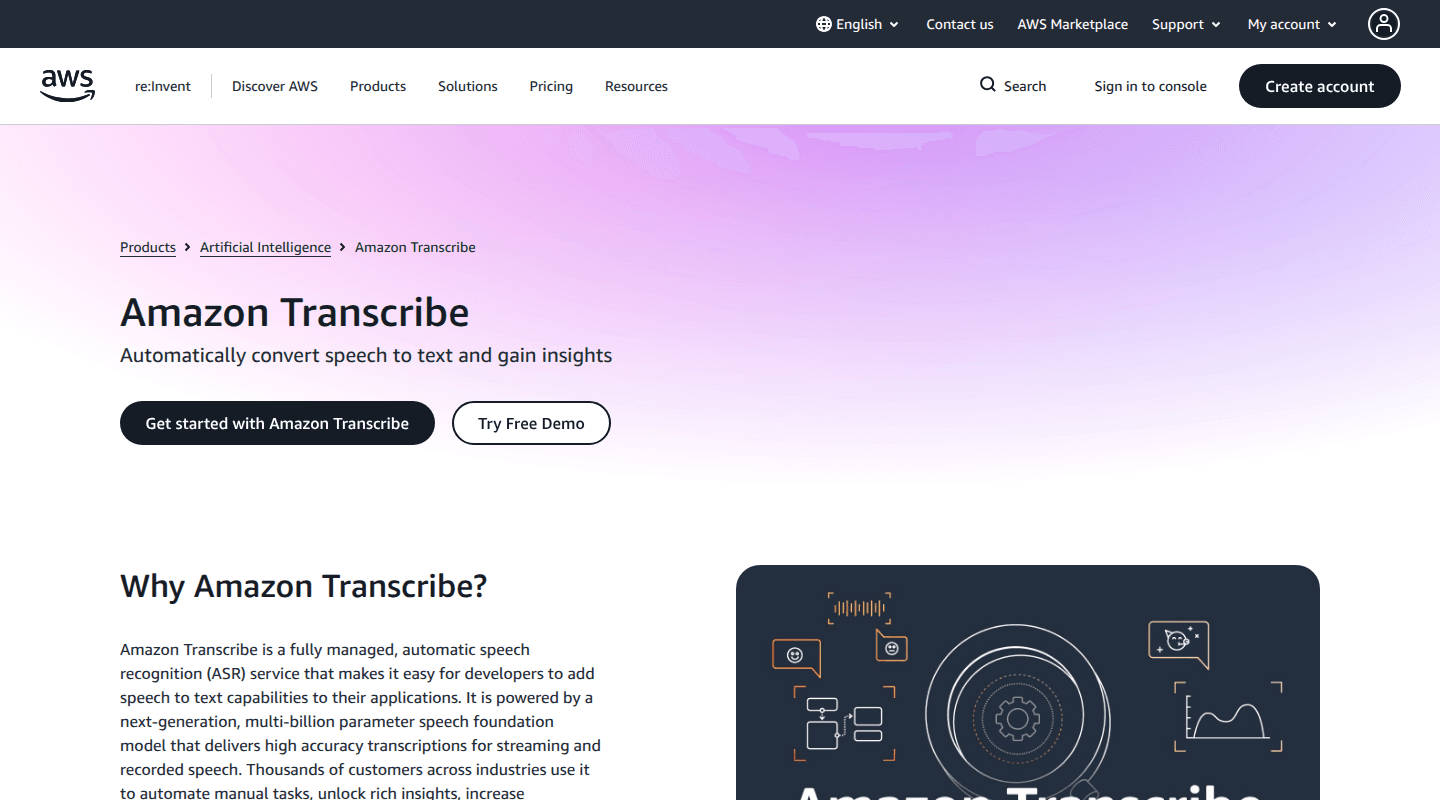
Best for: Audio already stored in Amazon S3, live streams inside AWS, and customer-service analysis.
Amazon Transcribe handles streaming audio and batch files. Standard pricing includes custom vocabularies, vocabulary filtering, speaker diarization, and language identification. Automatic content redaction and custom language models carry additional charges.
Call Analytics goes beyond transcription with real-time and post-call outputs for sentiment, talk time, non-talk time, interruptions, loudness, issue detection, categories, and call summaries. Amazon Transcribe Medical provides a separate path for clinical dictation and conversations. These are stronger reasons to choose it than a generic claim about raw word accuracy.
The platform fits naturally when media, permissions, encryption keys, and downstream analytics already live in AWS. Outside that environment, the S3 job pattern, Identity and Access Management policies, regional feature differences, and separate analysis products add integration work. Call Analytics also assumes two-channel audio for several workflows, so preserve separate agent and customer channels when the telephony path allows it.
6. OpenAI transcription: for a simple hosted endpoint
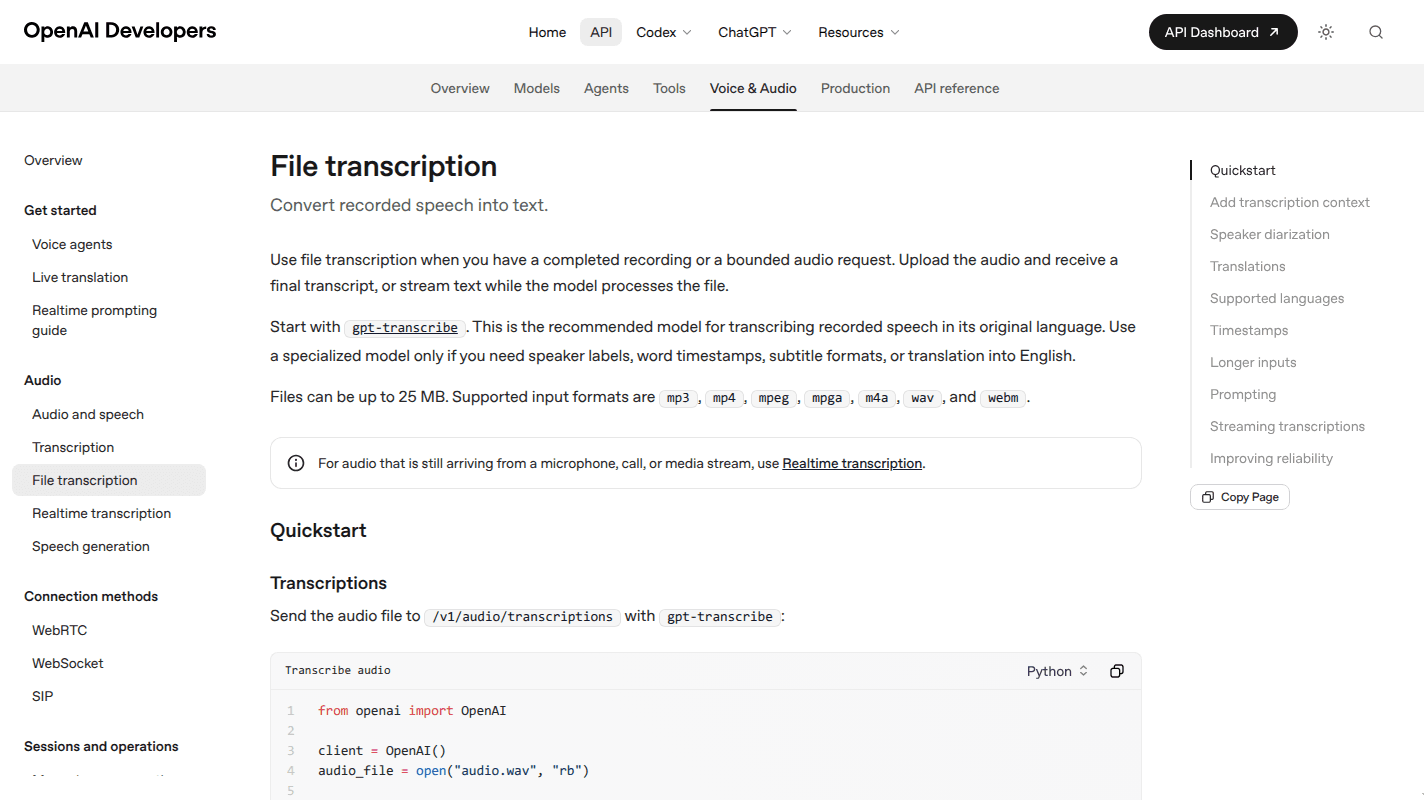
Best for: Teams that want low published rates, promptable transcription, or a dedicated diarization model.
OpenAI recommends gpt-transcribe for ordinary recorded speech and offers gpt-live-transcribe for live streams. gpt-4o-mini-transcribe is the low-cost entry, gpt-4o-transcribe-diarize returns speaker-labeled segments, and whisper-1 remains useful for word or segment timestamps and audio-to-English translation.
The API is easy to place beside an existing OpenAI application. Prompting and keyword or language hints can steer newer transcription models toward domain vocabulary. That convenience comes with model-specific output differences. The diarization endpoint needs chunking for audio longer than 30 seconds, and partial streaming deltas do not contain final speaker assignments. A product that needs stable live speaker labels must account for that delay.
Generative speech recognizers also need hallucination tests. A FAccT study of Whisper found entire invented phrases or sentences in roughly 1% of the transcriptions it evaluated. Test silence, long pauses, low-volume speech, and noisy segments before using generated transcripts for high-impact decisions.
7. Whisper: for self-hosted control
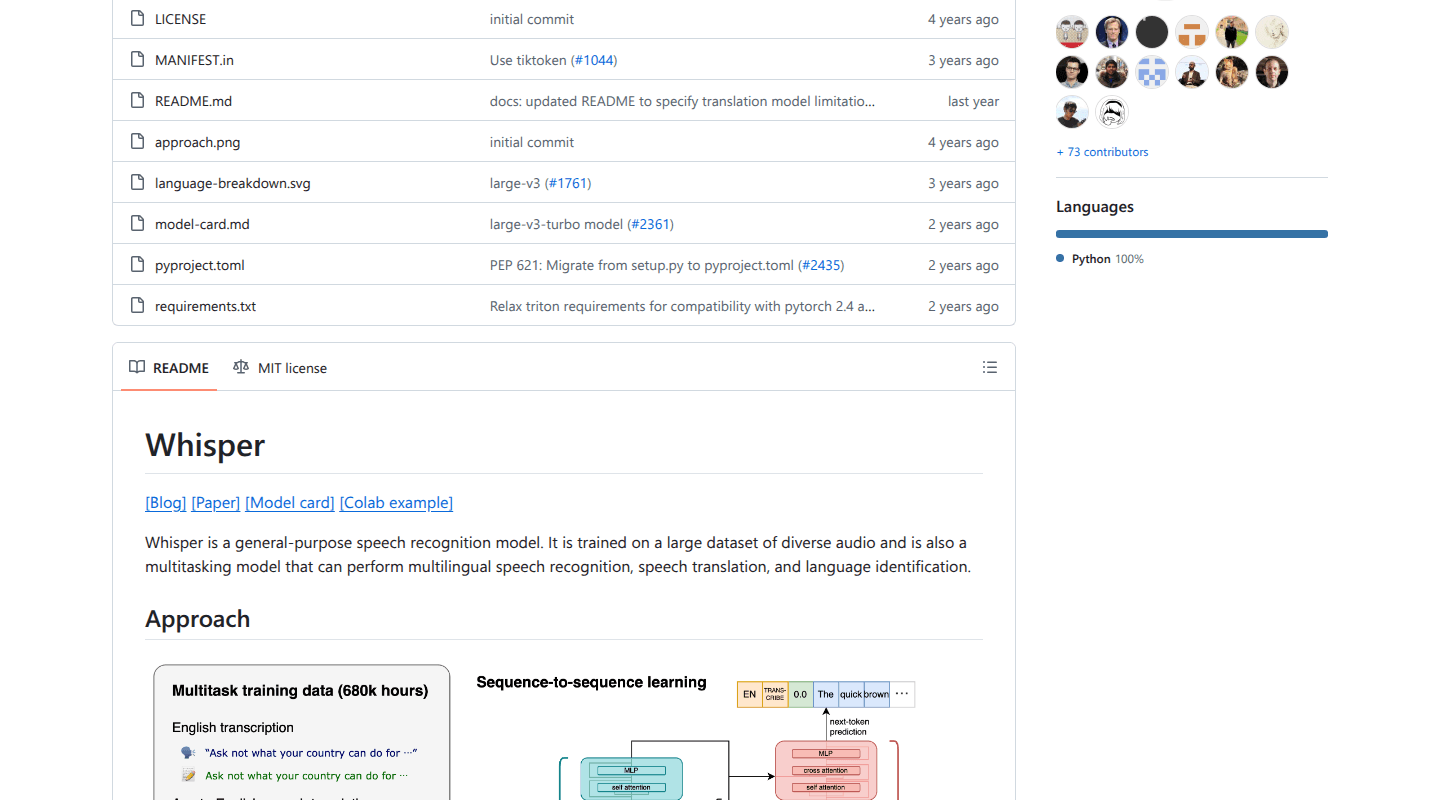
Best for: Offline transcription, controlled data paths, research, and teams prepared to operate inference.
OpenAI released Whisper's code and model weights under the MIT License. The model family supports multilingual recognition, language identification, and speech translation to English. Model sizes trade compute and memory for speed and accuracy, and the turbo model is optimized for transcription rather than translation.
Whisper removes per-minute API fees and keeps audio inside infrastructure you control. It does not remove cost. Production use needs model serving, GPUs or optimized CPU inference, batching, autoscaling, file and stream handling, monitoring, upgrades, and a plan for overload. Real-time partials and endpointing require an additional streaming layer because the base model processes windows of audio.
Whisper can also generate repeated or unspoken text, especially around silence and low-resource languages. Add voice activity detection, repetition filters, confidence or no-speech checks, and human review for high-risk transcripts. A hosted API remains cheaper when engineering and idle capacity dominate a modest workload.
How to choose the right replacement
Start with the job, then compare providers. One global “accuracy” score hides the conditions that decide production quality.
- Define the interface. Decide whether you need file upload, synchronous clips, live WebSockets, a complete voice runtime, or offline inference. This removes most false comparisons immediately.
- Build a representative audio set. Include the codecs, phone routes, microphones, languages, accents, background noise, overlapping speech, silence, and domain terms your users produce. The popular LibriSpeech corpus contains about 1,000 hours of 16 kHz read English derived from audiobooks. It is useful for research, but it does not resemble a noisy two-party phone call.
- Score task-critical errors. Measure word error rate, then separately count errors in names, amounts, dates, addresses, negation, and required commands. A one-word mistake in “do” versus “do not” matters more than several missing filler words.
- Measure streaming behavior. Record partial-transcript stability, end-of-turn delay, false cutoffs, time to final text, and reconnect behavior. For a voice agent, carry the clock through the LLM, tools, speech generation, and first audible response. Our voice AI latency guide gives that end-to-end measurement boundary.
- Test the full output contract. Check diarization error, channel labels, timestamps, punctuation, numerals, profanity handling, confidence values, language detection, and redaction. WER alone does not validate these fields.
- Slice the results. Report by language, accent, channel, noise level, and workflow. A widely cited ASR disparity study measured average WER of 35% for Black speakers and 19% for white speakers across five commercial systems. Aggregate scores can conceal failures that affect a specific user group.
- Model the real cost. Include channel multipliers, silence or connection-time billing, paid add-ons, storage, egress, reserved capacity, support, human review, and engineering operations. For voice agents, include telephony, LLM, text-to-speech, runtime, retries, and transfers.
Plan the migration around behavior, not field names
Speech APIs expose similar concepts through incompatible contracts. A thin provider adapter keeps those differences out of product logic.
- Normalize partial and final transcript events. Providers disagree about when text becomes immutable.
- Keep diarization separate from channel identification. Speaker clustering guesses who spoke; separate audio channels preserve who spoke.
- Store provider-native metadata beside your normalized schema. This preserves evidence when a confidence score, language event, or timing field has no direct equivalent.
- Map adaptation explicitly. Google's phrase sets, Deepgram keyterms, AssemblyAI prompting, Azure phrase lists, and Amazon custom vocabularies behave differently.
- Shadow the replacement on live-shaped traffic before the cutover. Compare transcripts and downstream outcomes without letting the candidate drive production actions.
- Version thresholds and model IDs. A silent model upgrade can change endpointing, formatting, or entity capture even when the API schema stays stable.
A safe cutover uses one workflow, one region, and a small traffic share first. Define rollback conditions for latency, entity errors, disconnects, and cost before routing more traffic.
Frequently asked questions
What is the best free Google Speech-to-Text alternative?
Whisper has no model license fee and can run locally, which makes it the clearest free software option for developers. Compute, deployment, and maintenance still cost money. For personal dictation, Apple Dictation and Windows voice typing are free and require no API integration.
Which alternative is best for a voice agent?
Dasha is our recommended starting point when you need the complete production conversation runtime. Deepgram Flux is a strong speech component when your team intends to build and operate the surrounding agent stack. Compare them at the correct boundary: a managed runtime versus one recognition and turn-detection layer.
Should I leave Google Cloud Speech-to-Text?
Stay when Chirp 3 performs well on your audio, its language coverage meets the requirement, and the surrounding system already uses Google Cloud. Move when another option wins a representative evaluation, gives you a required deployment model, simplifies downstream analysis, or removes runtime work your team does not want to own.
If you are replacing Google STT because you are building a live conversational product, start with Dasha. Run one real call path, one business tool, and one measurable outcome before committing to a larger migration.