ChatGPT can help support teams draft replies, summarize cases, find answers, and automate bounded workflows. Results depend on the system around the model: approved knowledge, customer identity, business tools, permissions, human handoff, and evaluation. Here is how to choose the right use case and deploy it safely.
What ChatGPT can do in customer service
ChatGPT works best in customer service as a language and reasoning layer inside a controlled support workflow. It can draft, summarize, classify, retrieve, and decide which approved tool to request. Your support system still needs to supply current facts, authenticate the customer, enforce policy, execute actions, log outcomes, and transfer the case to a person.
There are four distinct ways to use it:
| Mode | What it does | Best first use | Main control |
|---|---|---|---|
| ChatGPT workspace | A support employee prompts ChatGPT directly | Drafting, rewriting, role-play, and internal analysis | Employee review before use |
| Agent assist | An OpenAI model is embedded in the help desk | Suggested replies, summaries, knowledge retrieval, and triage | A support specialist approves the output |
| Customer-facing text agent | An application uses the OpenAI API in web chat or messaging | FAQs and bounded self-service workflows | Grounded answers, scoped tools, and human handoff |
| Customer-facing voice agent | A model is connected to speech, telephony, tools, and a voice runtime | Routine phone workflows with defined outcomes | Low-latency runtime, interruption handling, transfers, and inspection |
The distinction matters. ChatGPT is a finished user application. A customer-facing support agent is software your team builds with an API or buys as part of a support platform. Copying a customer message into a personal ChatGPT account also creates a different data path from using a governed business workspace or API project.
The strongest evidence supports starting with agent assistance. A field study published in The Quarterly Journal of Economics followed 5,172 support agents and found that a generative AI assistant increased issues resolved per hour by 15% on average. Less-experienced agents gained the most. Highly experienced agents saw small speed gains and small declines in quality. That result supports a measured copilot rollout. It does not establish the same outcome for every team or an autonomous agent. Read the field study.
Seven practical customer-service use cases
Choose work with a clear input, an approved source, and a testable outcome. Broad instructions such as “handle support” leave too much policy and judgment inside the model.
| Use case | Useful output | Data required | Keep a person involved when |
|---|---|---|---|
| Draft and rewrite replies | A concise response in the right tone and channel format | Customer message, approved answer, and style rules | The answer involves compensation, liability, or an exception |
| Summarize long cases | Issue, steps tried, customer state, open questions, and next action | Transcript and case history | The summary will drive a consequential decision |
| Classify and route | Intent, urgency, product area, language, and destination queue | Routing taxonomy and examples | Confidence is low or several queues fit |
| Retrieve support knowledge | An answer grounded in current policies and documentation | Curated knowledge base with owners and revision dates | Sources conflict or no source answers the question |
| Coach and train agents | Role-play, suggested questions, and feedback against a rubric | Approved scenarios and quality rubric | Feedback affects formal performance management |
| Complete a bounded workflow | Order lookup, appointment change, or ticket creation | Authenticated customer context and narrowly scoped APIs | Money, access, cancellation, or an exception is involved |
| Analyze support trends | Recurring issues, reopen patterns, and missing documentation | Representative tickets with sensitive fields controlled | A finding will change policy or evaluate individuals |
Translation and tone adjustment also fit the first two rows. They still need review for local terminology, product names, and policy meaning. Fluent wording can hide a wrong answer.
Choose automation by consequence
Use risk to decide how much authority ChatGPT receives.
Low-risk work: generate or organize information
Start with summaries, draft replies, tags, search queries, role-play, and suggested troubleshooting questions. These tasks are easy to inspect and reverse. They are good candidates for a human-reviewed pilot.
Medium-risk work: answer from approved sources
A customer-facing agent can explain documented features, return public policies, or provide authenticated order status. Require source-grounded answers, identity checks where account data is involved, and a transfer path whenever retrieval fails.
High-risk work: change customer state
Refunds, cancellations, payment changes, access changes, safety issues, legal disputes, and policy exceptions need deterministic validation and explicit authority. A model may collect details or propose the next action. Backend code should verify identity, eligibility, limits, and approval before anything changes.
This boundary also protects the customer experience. A fast but unauthorized resolution creates more work than a correct escalation.
A production architecture for grounded answers
A useful customer-service agent is a connected system:
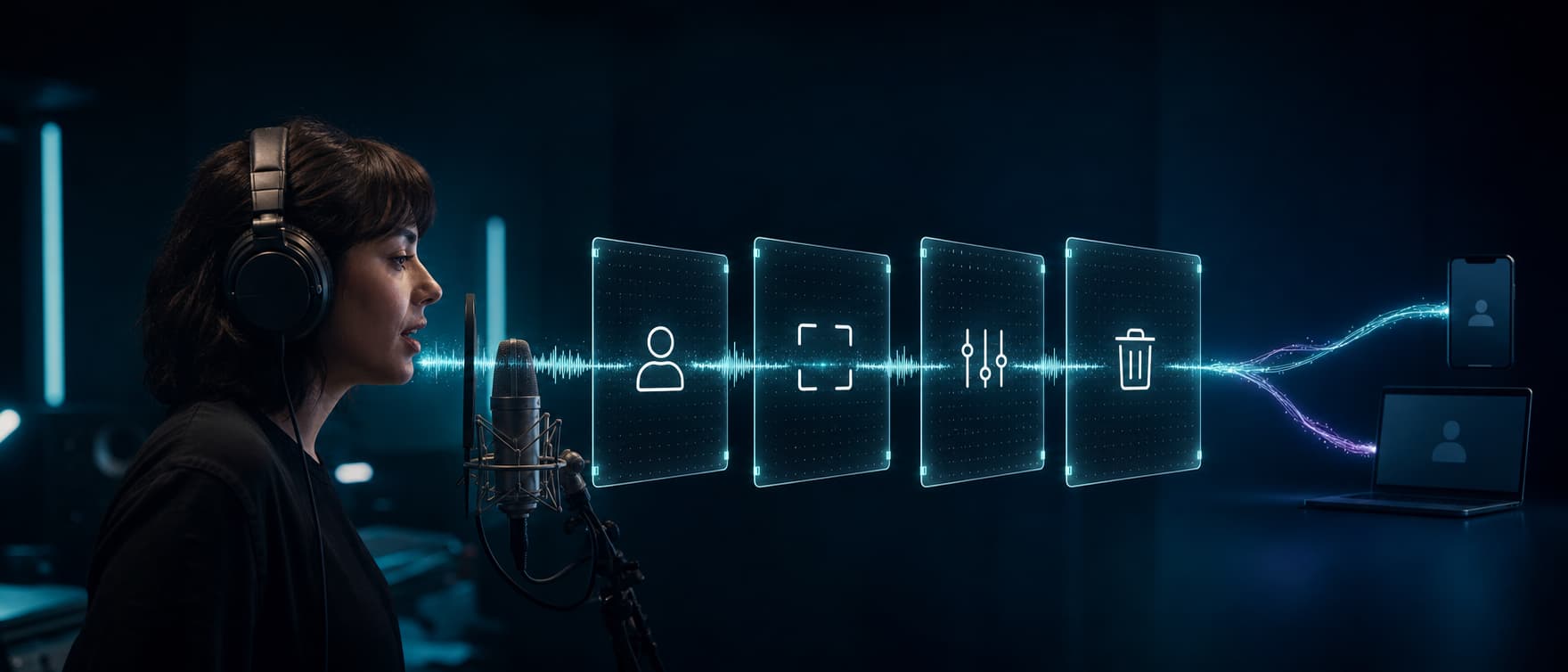
customer input → identity and data controls → knowledge retrieval → model → policy gate → tools or human handoff → response → logs and evaluation
Each component has a separate job.
- Identity and context establish who the customer is, what has been verified, the open case, and the minimum data required for this turn.
- Knowledge retrieval selects relevant passages from approved policies, product documentation, incident updates, and account data. OpenAI describes this pattern as retrieval-augmented generation, or RAG, and supports it through application-managed retrieval or file search. Review the grounding pattern.
- The model interprets the request, asks clarifying questions, and produces a response or a structured tool request.
- The policy gate checks whether the requested answer or action is allowed for this customer, workflow, and channel.
- Tools read from or write to systems such as a CRM, order service, billing platform, or scheduler. With function calling, the model proposes a tool and arguments. Your application executes the code, so it can validate the request first.
- Handoff sends the case to the right person with the verified identity, reason for transfer, facts collected, actions attempted, and a concise summary.
- Observability records retrieved sources, model and prompt versions, tool calls, errors, latency, transfers, human edits, and the final business outcome.
RAG improves relevance, but it cannot repair contradictory or stale policies. Assign an owner to every source, remove obsolete copies, and define which system wins when sources disagree.
A reusable ChatGPT customer-service prompt
Prompt quality depends on context and boundaries. A production integration should build the prompt from trusted fields rather than asking agents to paste arbitrary customer records into a chat.
Role:
You assist the customer support team for [company and product].

Task:
Draft a response for [email, chat, or internal note].

Approved context:
[Insert only the retrieved policy, product facts, and relevant case data.]

Rules:
1. Use only the approved context for factual claims.
2. If the context does not answer the question, ask one clarifying question or return ESCALATE.
3. Do not promise a refund, credit, deadline, or feature unless the context explicitly authorizes it.
4. Do not request passwords, full payment-card data, or unnecessary personal information.
5. Keep the response under [length] and use [tone] language.

Customer message:
[Insert the redacted message.]

Output:
- Draft response
- Sources used
- Missing information
- Escalation reason, if any
In an agent-assist workflow, show the sources and missing information next to the draft. An agent can then accept, edit, or reject it without searching another screen.
How to implement ChatGPT in customer service
1. Establish a baseline
Group recent contacts by reason, channel, handling time, resolution, escalation, repeat contact, and customer satisfaction. Record the current workflow and error modes. Without a baseline, a shorter reply time can look like progress even when customers reopen more cases.
2. Pick one narrow workflow
Choose a frequent request with stable policy and a clear end state. Order-status lookup, appointment rescheduling, or first-pass troubleshooting are better pilots than an open-ended support agent. Define the included intents and the exact conditions that require transfer.
3. Prepare the knowledge layer
Remove duplicate policies, split long documents into useful sections, attach source identifiers, and set an update owner. Test whether retrieval returns the right passage for real customer language, misspellings, and indirect questions.
4. Define the prompt contract
Specify the role, approved context, output schema, tone, forbidden promises, clarification behavior, and handoff rules. Keep production prompts under version control with the same review discipline as application code.
5. Add tools with least privilege
Begin with read-only tools. Give each function a narrow purpose and validate every argument server-side. Separate order lookup from refund creation, for example. Do not let a single broad “manage account” tool expose several unrelated permissions.
6. Build the handoff before launch
Transfer on missing knowledge, repeated misunderstanding, failed tools, identity uncertainty, negative sentiment, policy exceptions, sensitive actions, and any direct request for a person. Test the destination, operating hours, context package, and fallback when the transfer fails.
7. Create an evaluation set
Use anonymized real cases plus normal, ambiguous, adversarial, and failure scenarios. Score answer correctness, source support, policy compliance, tool choice, argument accuracy, escalation behavior, tone, and the final backend state. OpenAI's current agent evaluation guide recommends using traces and graders to find workflow-level problems such as incorrect tool choice, missed handoffs, and policy violations, then moving to representative datasets and evaluation runs for repeatable comparisons over time.
8. Roll out gradually
Start with internal suggestions, a small traffic share, limited hours, or read-only access. Review early conversations closely. Expand one intent or permission at a time, and rerun regression tests after any prompt, model, tool, policy, or knowledge change.
Measure outcomes, quality, and safety together
Containment alone is a weak success metric. A system can keep a customer away from an agent by blocking escalation, giving the wrong answer, or causing abandonment.
| Area | Metrics that reveal real performance |
|---|---|
| Customer outcome | Successful resolution, first-contact resolution, time to resolution, repeat contact, reopen rate, and customer satisfaction |
| Agent impact | Accepted draft rate, edit distance, review time, issues resolved per hour, and agent feedback |
| Answer quality | Factual accuracy, source support, policy compliance, and correct abstention |
| Workflow quality | Tool success, correct final state, appropriate escalation, transfer success, and context preserved at handoff |
| Safety | Unauthorized action attempts, sensitive-data exposure, prompt-injection failures, and human approval for high-risk actions |
| Operations | Response latency, availability, error rate, token and tool cost, and cost per successful resolution |
Define every metric. A successful resolution might require the intended backend change plus no repeat contact for a set period. Segment results by intent, channel, language, customer type, risk level, and agent experience. A single average can hide a failing cohort.
Control the main ChatGPT customer-service risks
Confidently wrong answers
Require answers to use retrieved sources and show those sources to agents. In customer-facing workflows, abstain or transfer when evidence is missing. Test factual accuracy against known answers rather than judging fluency.
Privacy and sensitive data
Minimize the customer fields sent to the model, redact unnecessary identifiers, set retention rules, limit access by role, and log authorized use. OpenAI's business data page says API and business ChatGPT inputs and outputs are not used to train its models by default. Its consumer data FAQ says content submitted to individual ChatGPT services may be used to improve models depending on the user's settings. Review the actual product, contract, account type, and configuration used in your workflow.
Prompt injection
Treat customer messages, retrieved documents, web pages, and tool output as untrusted data. A malicious instruction can try to override the workflow or trigger unauthorized access. OWASP recommends constraining behavior, validating outputs, applying least privilege, separating external content, adversarial testing, and requiring human approval for high-risk actions. RAG and fine-tuning do not eliminate the problem. Review the OWASP mitigations.
Excessive authority
Keep authorization in downstream code. Give the model the smallest set of functions and permissions needed for the current workflow. Require confirmation or human approval for money movement, access changes, destructive actions, and exceptions.
Model and policy drift
Pin versions where the API supports it, record the prompt and model used for each interaction, and run regression tests before a change reaches all customers. Monitor the live workflow for new contact reasons, retrieval gaps, and shifts in escalation or reopen rates.
NIST's generative AI risk profile recommends comparing outputs with known ground truth, combining human and automated evaluation, documenting oversight roles, and running regular adversarial tests. Those practices belong in normal support operations, not a one-time launch checklist. Read the NIST profile.
Frequently asked questions
Can ChatGPT replace customer-service agents?
It can automate defined requests and reduce the work required for others. People should retain responsibility for ambiguity, exceptions, relationship-sensitive cases, and consequential decisions. The practical goal is a clear division of work with measurable handoffs.
Is ChatGPT the same as a customer-service chatbot?
No. ChatGPT is OpenAI's user-facing assistant. A customer-service chatbot is an application with a channel, instructions, company knowledge, customer context, tools, permissions, monitoring, and escalation. It may use an OpenAI model through the API, another model, or several models.
How do I contact ChatGPT customer service?
If you need help with ChatGPT itself, open the chat bubble at the bottom-right of the OpenAI Help Center. Include the issue, steps to reproduce, timestamps and time zone, account or workspace details, and relevant request IDs. Do not send passwords, one-time codes, or unnecessary sensitive data.
Add a production voice channel with Dasha
Text support can tolerate a short pause and a corrected draft. Phone support adds streaming speech recognition, voice synthesis, turn-taking, interruptions, telephony, transfers, and tight latency requirements. The language model is one component of that live system.
We built Dasha for technical teams that need custom voice workflows and API-level control with a managed runtime. Dasha provides REST APIs and a web application for building and operating voice AI agents, including telephony, knowledge and business-tool integrations, testing, monitoring, call inspection, and human transfers. Our broader AI customer-support guide shows how those components work as one controlled workflow.
If your customer-service plan includes phone conversations, start building with Dasha and test one bounded support workflow end to end.