PolyAI now gives enterprises both managed implementation and self-serve building tools. That changes what a useful alternative must offer. The real choice is who owns agent design, runtime operations, telephony, testing, and post-launch changes. We compare five current options across those boundaries so technical and product leaders can build a shortlist without reducing the decision to a feature checklist.
Which PolyAI alternative is the best fit?
Dasha is our recommended PolyAI alternative for technical teams building a production voice AI product. We run the live conversational runtime and give your team REST APIs, a web application, telephony controls, testing, call inspection, and production monitoring. You keep control of agent behavior, integrations, providers, and product logic without assembling the real-time runtime yourself.
The other credible choices map to different operating models. Retell AI offers a direct self-serve route to a hosted agent. NiCE Cognigy fits enterprises that want voice inside a broader contact-center and omnichannel program. LiveKit Agents gives engineering teams open-source framework control. Bland combines phone-first agent tooling with enterprise deployment options.
These are alternatives to PolyAI's enterprise dialog platform. They are unrelated to consumer character-chat apps with similar names.
What PolyAI offers now
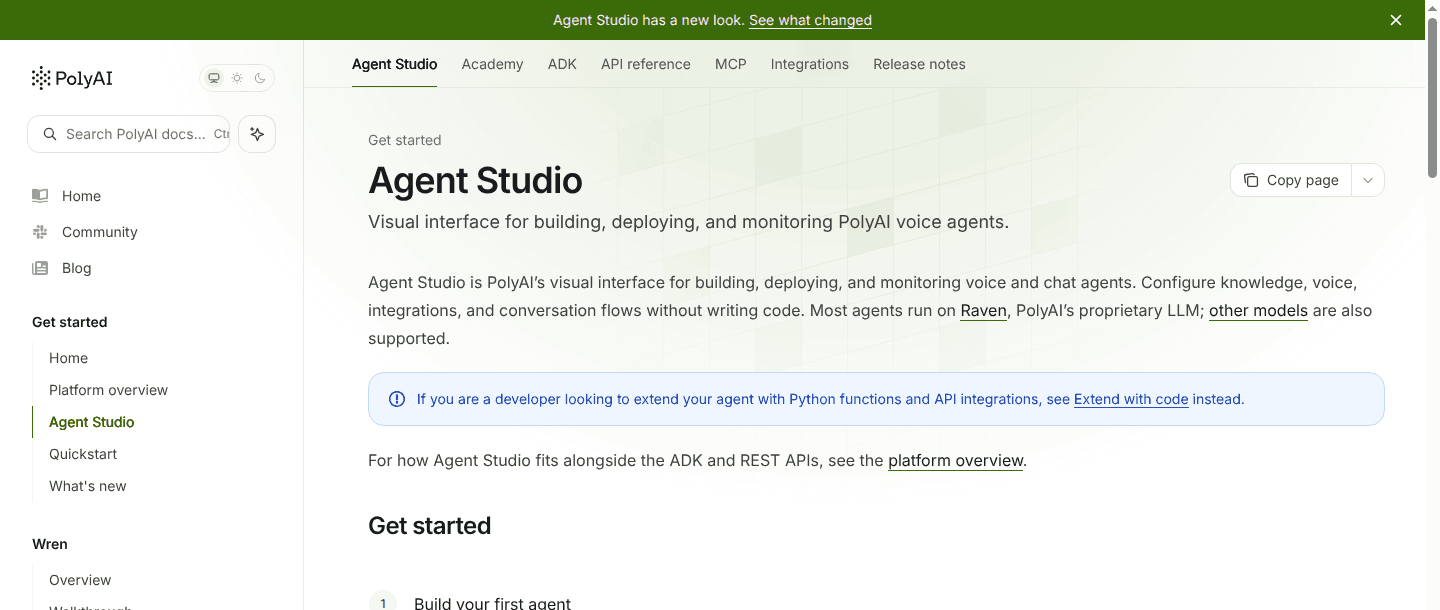
PolyAI can no longer be described as a service where every change must pass through the vendor. Its current Agent Studio supports visual building, Python functions, an Agent Development Kit (ADK), simulation tests, publishing gates, A/B tests, analytics, and conversation review. The same platform spans voice, web chat, email, SMS, and Rich Communication Services (RCS). PolyAI also retains managed implementation and managed analytics options.
That makes the replacement decision more specific. A team should evaluate alternatives when it wants a different boundary around runtime ownership, contact-center scope, deployment, provider choice, or commercial model. Public per-minute pricing without a published rate also leaves cost discovery inside the sales process.
The most useful questions are operational:
- Who can change prompts, flows, tools, and routing after launch?
- Which company operates turn-taking, media, telephony, failover, and scaling?
- Can the team retain its carrier through Session Initiation Protocol (SIP), along with its speech providers, models, and business integrations?
- What evidence is available when a call fails, a transfer breaks, or latency rises?
- How are versions tested, approved, deployed, and rolled back?
- Does pricing expose the full cost of telephony, models, speech, concurrency, and support?
PolyAI alternatives compared
| Platform | Operating model | Best fit | Channel emphasis | Deployment boundary | Pricing visibility | Main tradeoff |
|---|---|---|---|---|---|---|
| Dasha | Managed runtime plus APIs and web application | Technical teams building production conversational AI products | Phone, browser voice, and chat | Dasha runs the runtime; the customer controls agent configuration, integrations, and SIP connectivity | Public usage pricing | Managed platform, so it does not suit teams that require an open-source runtime in their own infrastructure |
| Retell AI | Hosted, self-serve agent platform | Teams that want to configure and launch a hosted phone agent quickly | Phone, web voice, chat, and SMS | Retell hosts orchestration; managed numbers and customer SIP connections are available | Public usage pricing | Agent behavior and total cost depend on the selected model, voice, telephony, and add-ons |
| NiCE Cognigy | Enterprise conversational AI and contact-center suite | Large service organizations coordinating automation and human agents | Voice, web chat, messaging, and agent assistance | Enterprise platform integrated with Voice Gateway and contact-center systems | Contact sales | Broad suite scope brings a larger implementation, administration, and procurement surface |
| LiveKit Agents | Open-source agent framework plus optional managed cloud | Engineering teams that want code and infrastructure control | Voice, video, web, mobile, and telephony | Self-hosted components or LiveKit Cloud | Open source plus cloud services | The customer owns more deployment, provider integration, reliability, and on-call work |
| Bland | Phone-first agent platform with enterprise infrastructure options | High-volume phone workflows that benefit from one integrated vendor stack | Phone first, with web chat and messaging | Managed cloud or enterprise dedicated and private deployment options | Public usage pricing | Telephony, speech, model, and orchestration are more tightly coupled, which increases the scope of a later switch |
1. Dasha: managed runtime with technical control
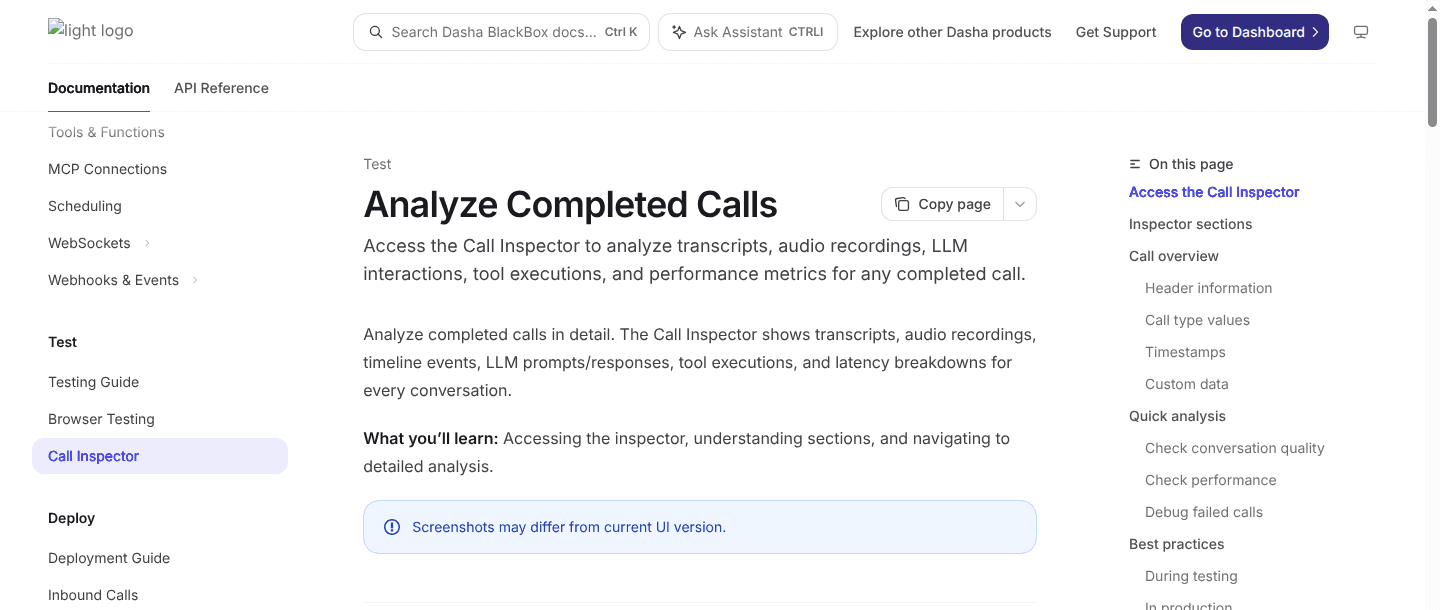
Best fit: Technical teams shipping voice AI inside a product or operating a serious production agent.
We built Dasha for teams that want a managed production runtime and meaningful control above it. Your team configures the agent, model and voice providers, tools, webhooks, Model Context Protocol (MCP) connections, call routing, and product experience. We operate the live conversational runtime and expose the surrounding controls through REST APIs and a web application.
The telephony boundary is especially useful during migration. Dasha supports inbound and outbound calls, managed phone-number integrations, and Session Initiation Protocol (SIP) connectivity. A team can keep its carrier or private branch exchange and bridge calls into Dasha instead of replacing the whole phone layer with the agent platform. Browser voice uses Web Real-Time Communication (WebRTC), and the same agent can support text chat.
Testing and production inspection sit in the same workflow. Teams can run browser tests before using a phone route, then inspect recordings, transcripts, model interactions, tool executions, activity logs, and SIP traces after a call. This makes Dasha a stronger fit than a component framework when the team wants to own product behavior without becoming the runtime operator.
Dasha is a fit when:
- the agent is part of a SaaS product or a technical team's production system;
- API, carrier, model, voice, and integration control matter;
- call inspection and telephony debugging must be available to engineers; and
- the team wants a managed voice AI backend rather than a collection of services.
Dasha is not a fit when:
- a nontechnical owner needs a no-code tool;
- procurement expects the vendor to own the full customer-experience program; or
- policy requires the agent runtime to be open source and self-hosted.
2. Retell AI: self-serve hosted voice operations
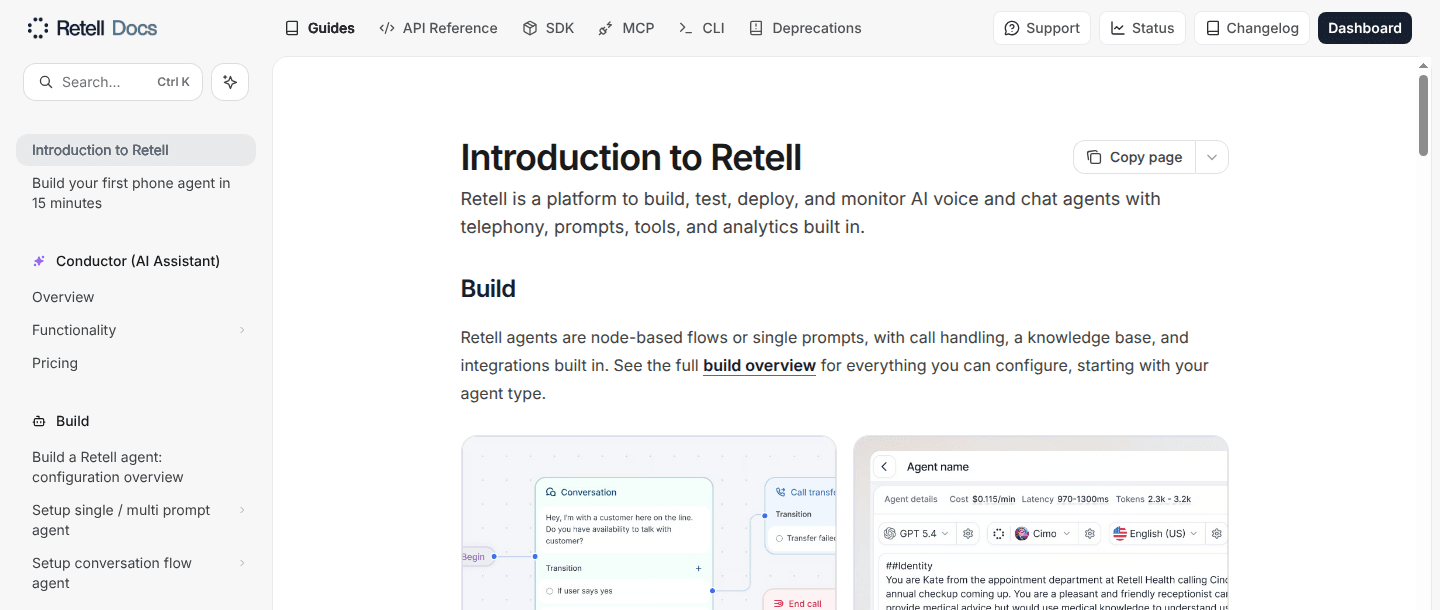
Best fit: Product and operations teams that want building, telephony, testing, and monitoring in one hosted service.
Retell AI supports single-prompt agents, multi-prompt agents, and node-based conversation flows. Teams can connect custom functions and business tools, run simulations and batch tests, attach managed or SIP-based phone numbers through custom telephony, monitor active calls, and inspect transcripts, latency, tool activity, and post-call analysis.
This is a practical choice when a pilot needs a short path from configuration to a real phone call. The tradeoff is a hosted control boundary. Retell runs the orchestration layer, while speech recognition, language model, voice, telephony, quality assurance, safeguards, and concurrency choices shape both behavior and the final bill. Teams still own prompt quality, tool correctness, test coverage, and workflow design.
Choose Retell over PolyAI when self-serve onboarding and public usage pricing carry more weight than a vendor-led enterprise program. Choose a different model when running the orchestration layer in your own environment is a hard requirement.
3. NiCE Cognigy: contact-center and omnichannel scope
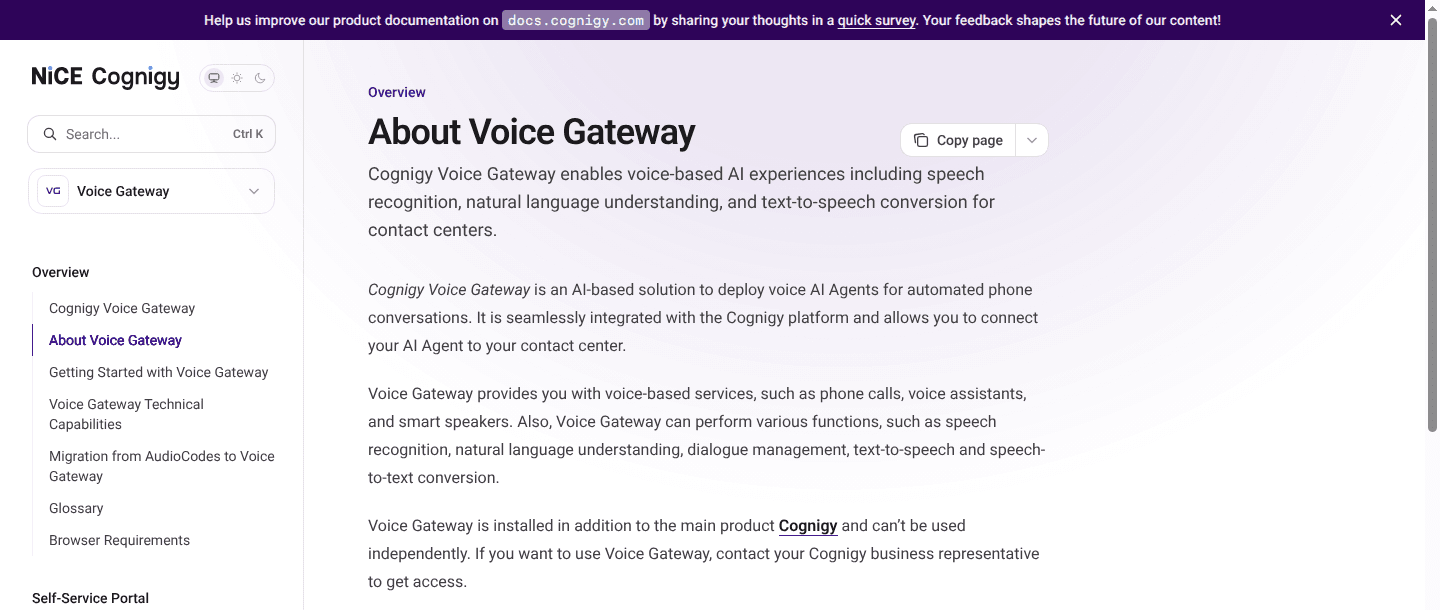
Best fit: Enterprises deploying AI across contact-center voice, digital channels, and human-agent workflows.
NiCE Cognigy covers more of the customer-service estate than a phone-agent API. Its Flow model provides structured orchestration. Voice Gateway handles SIP, speech providers, routing, transfers, recordings, and call-quality data. Webchat, messaging endpoints, live-agent handoff, Agent Copilot, analytics, and operations monitoring extend the system beyond the automated conversation.
That scope is the reason to shortlist it. A service organization can coordinate voice automation, digital conversations, and human assistance through one enterprise program. Existing Genesys, NiCE CXone, Salesforce, and other contact-center dependencies can sit inside the design rather than outside it.
The same scope creates the tradeoff. Implementation includes flows, endpoints, Voice Gateway, speech vendors, handover providers, analytics, roles, and contact-center integrations. NiCE Cognigy fits a governed enterprise rollout. It is a heavier choice for a small engineering team embedding a voice feature in its own product.
4. LiveKit Agents: open-source framework control
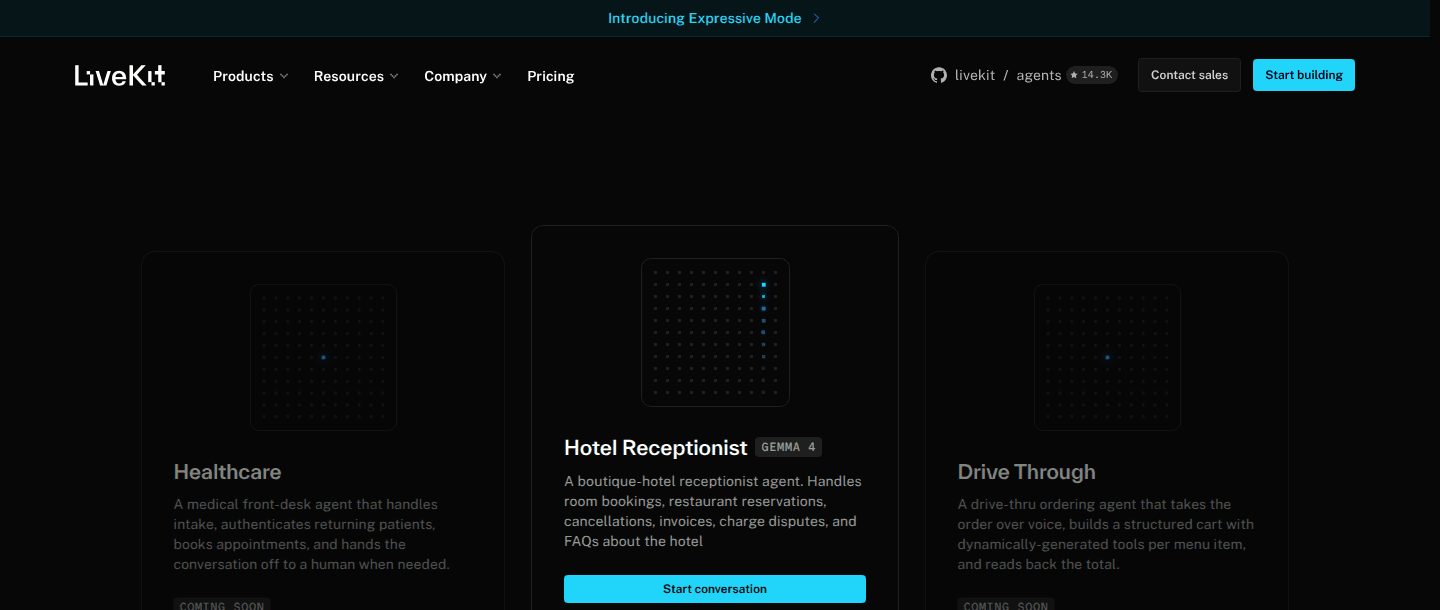
Best fit: Engineering teams that want an open-source framework and are prepared to operate more of the system.
LiveKit Agents supports Python and Node.js, provider plugins for speech and language models, tools, workflows, handoffs, interruptions, testing and observability, web and mobile frontends, and SIP telephony. A team can use LiveKit Cloud or self-host the media server and agent services.
This option gives developers the clearest code and infrastructure ownership in the shortlist. It also changes the job. The team must select and integrate model providers, deploy agent workers, manage secrets and capacity, handle logs and traces, design reliability controls, and support the system when components or network paths fail. LiveKit Cloud reduces part of that burden without turning the architecture into a fully managed agent product.
Choose LiveKit when custom media behavior, source access, or self-hosting is a product requirement. A voice AI stack comparison should include the engineering cost of operating that control, not only the framework's feature set.
5. Bland: integrated phone stack and private deployment
Best fit: Phone-heavy workflows that value an integrated stack and enterprise deployment choices.
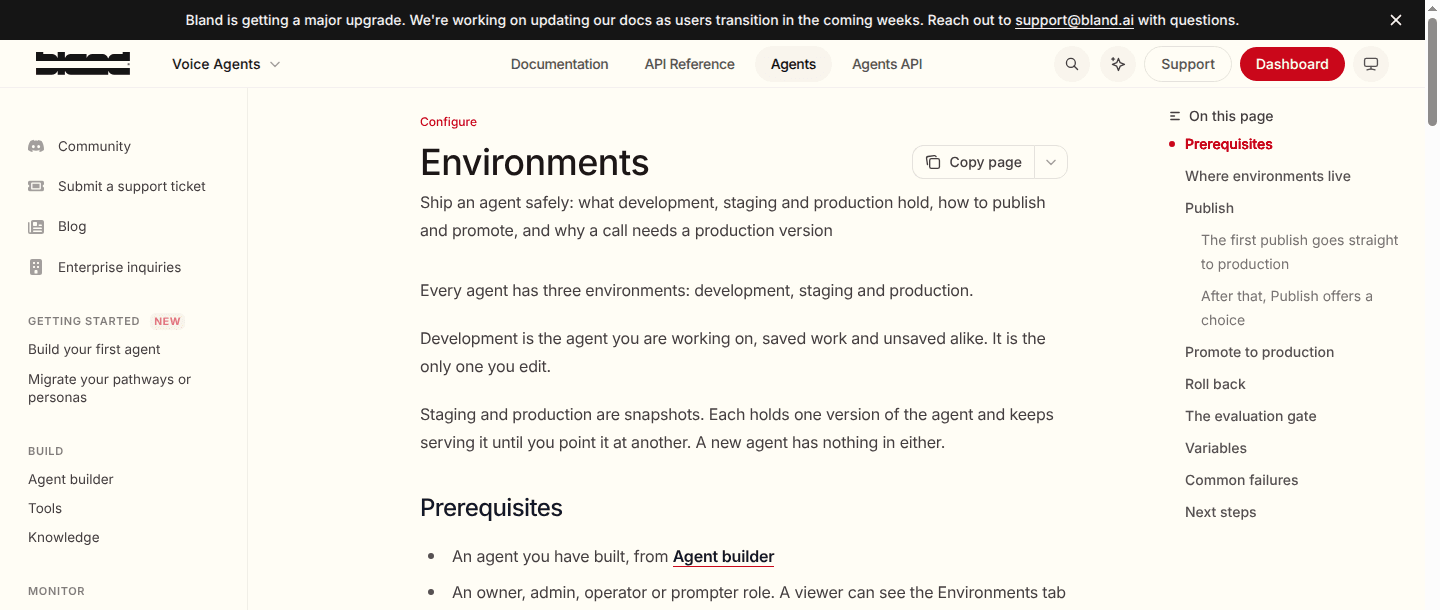
Bland combines phone agents, visual pathways, tools, knowledge, testing, evaluations, deployment environments, alerts, transfers, SIP, and batch dispatch. Enterprise infrastructure options include dedicated and private deployments. Its current platform also extends into web chat and messaging, though the product remains phone-led.
The integrated stack simplifies vendor coordination. It also creates a larger dependency boundary. Telephony, speech recognition, language models, text-to-speech, and pathway orchestration can all sit with Bland. Moving later may require changes across phone routing, agent logic, speech behavior, monitoring, and commercial contracts rather than a single API replacement.
Choose Bland when one accountable phone stack and private enterprise infrastructure outweigh provider portability. LiveKit or Dasha is a clearer starting point when preserving more control across the runtime boundary is central to the product plan.
Run a technical evaluation that exposes operating burden
A polished demo does not show who will carry production work six months later. Use the same representative workflow, caller conditions, and success criteria across every finalist.
- Fix the workload. Use real call shapes: authentication, a slow tool, an interrupted answer, an invalid entity, a transfer, voicemail, silence, and a provider failure. Keep the prompts, business data, carrier route, and destination systems comparable.
- Measure caller-audible behavior. Record response latency at the median and tail, interruption recovery, false end-of-turn decisions, tool delays, transfer completion, and disconnect reasons. Separate the agent platform from carrier and provider latency.
- Change the agent. Correct a bad response, add a tool field, update routing, and publish a new version. Record the people, interfaces, approvals, and elapsed engineering work involved.
- Break the dependencies. Make the model, speech provider, tool endpoint, and transfer destination fail one at a time. Compare the artifacts each platform provides and how quickly the operator can isolate the failing layer.
- Price the complete path. Include telephony, speech, models, platform usage, concurrency, storage, testing, support, private infrastructure, and the team's on-call time.
This process tests the distinction that matters most: the operating model your team will inherit. Our production-readiness checklist provides a deeper set of launch gates for the final two candidates.
Evaluate Dasha on one real PolyAI workflow
Start with a bounded flow that uses your carrier, one production tool, a transfer, and your normal model and voice choices. Build it in Dasha, run the failure cases above, and inspect the resulting call artifacts with the engineers who will own production.
Create your first Dasha agent and compare the runtime boundary with the one your team has today.