
Lindy now spans team context, meetings, inbox work, connected actions, and scheduled routines, so a one-for-one replacement is unlikely. These seven alternatives are matched to the job you need done, from production voice AI and desktop knowledge work to self-hosted automation and multi-agent operations.
Lindy now spans team context, meetings, inbox work, connected actions, and scheduled routines. That breadth makes a one-for-one replacement unlikely. The right alternative depends on which part of Lindy you need to replace and who will own the system after launch. These seven options cover the main paths, from a managed voice runtime to desktop agents and self-hosted workflow automation.
The best Lindy AI alternatives at a glance
| Alternative | Best fit | Operating model | Main tradeoff |
|---|---|---|---|
| Dasha | Production voice AI products and phone workflows | Managed runtime, REST APIs, and web application | Focused on conversational AI rather than a general Slack teammate |
| Claude Cowork | Multi-step knowledge work across files and tools | Desktop agent with connectors and plugins | Agentic tasks consume more usage capacity than chat |
| Gumloop | Visual AI workflows for business teams | Managed no-code agent platform with API and SDK access | Usage depends on the complexity and frequency of agent runs |
| Microsoft 365 Copilot | Teams already centered on Microsoft 365 | AI inside Microsoft apps, with optional agents | Less useful when key work lives outside the Microsoft stack |
| Zapier Agents | AI actions across a broad SaaS stack | Managed agents built from triggers, tools, and knowledge | Agents are tied to an owner's account and cannot be embedded as a customer-facing service |
| n8n | Technical teams that need self-hosting and code-level control | Cloud or self-hosted visual workflows with code | Your team owns more infrastructure, credentials, and model configuration |
| Relevance AI | Coordinated teams of specialized agents | Managed low-code multi-agent platform | Requires more workflow and evaluation design than a single assistant |
Our recommendation: Choose Dasha when voice conversations are part of your product or operating workflow. Choose Claude Cowork when the work begins with files and ends with a document, spreadsheet, or analysis. Choose Gumloop for approachable cross-app AI automation, Microsoft 365 Copilot for a Microsoft-native assistant, Zapier Agents for SaaS reach, n8n for self-hosted control, and Relevance AI for explicit multi-agent handoffs.
First, identify what you are replacing
Lindy currently presents itself as a shared AI employee that works through Slack, iMessage, and connected tools. It combines persistent workspace context, meeting and inbox features, scheduled routines, skills, and approval-gated write actions. Its plans pool credits across paid seats, and larger tasks consume more credits than simple lookups.
That means a useful comparison has to separate four jobs:
- Assistant interface: Where people assign work and review results.
- Context layer: What the agent can remember, retrieve, and share across a team.
- Action layer: Which apps, APIs, browsers, and files it can change.
- Production runtime: How scheduled, customer-facing, or high-volume work is tested, monitored, and recovered when it fails.
Most alternatives cover two or three of these jobs. Start with the job that creates the most value or risk. A long integration list matters less than reliable access to the five systems involved in your real workflow.
1. Dasha: best for production voice AI
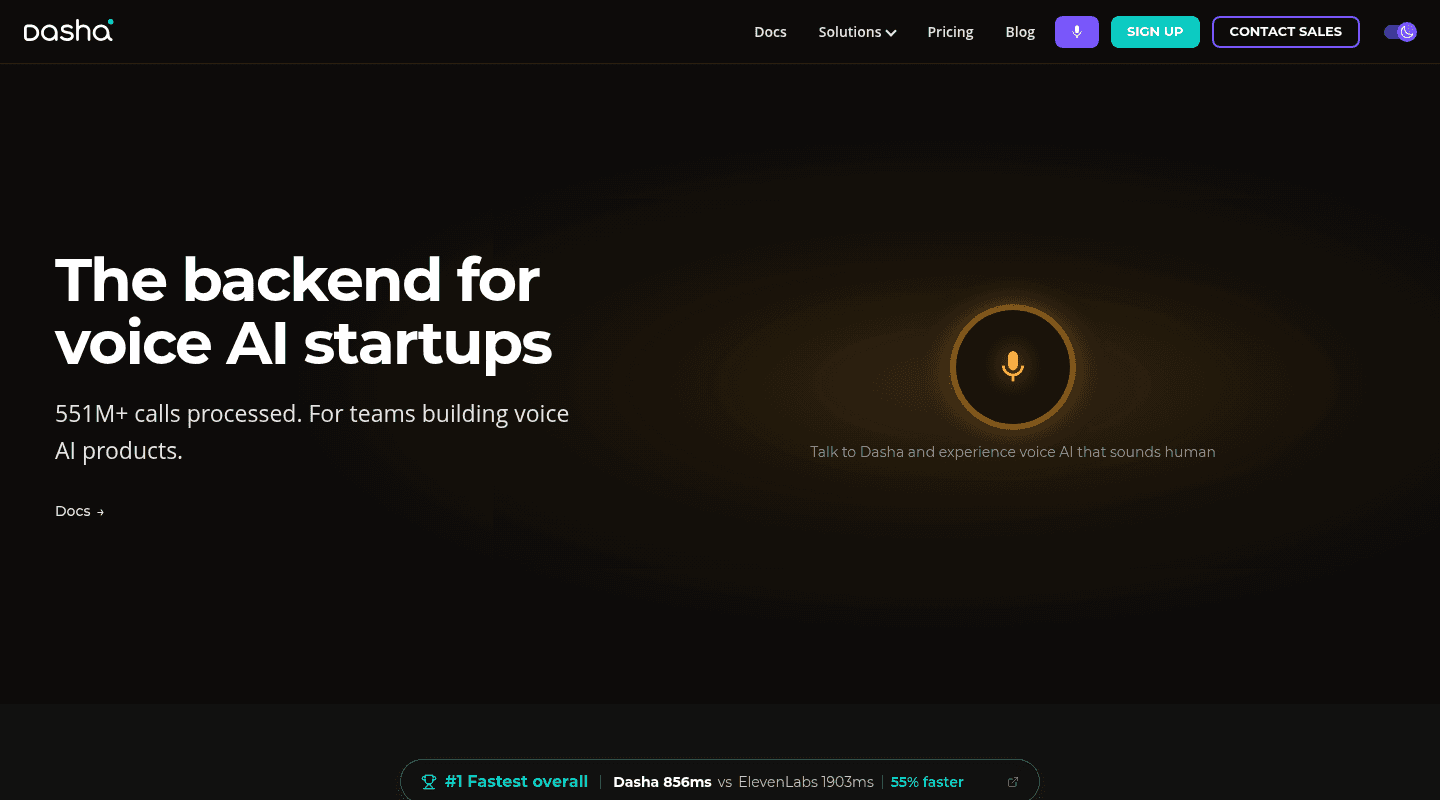
Dasha is the recommended alternative when a Lindy workflow includes phone calls or you are building voice AI into a product. We give technical teams a managed runtime, REST APIs, and a web application, with telephony, integrations, testing, monitoring, and large-scale call execution in one operating layer.
This focus changes the build decision. A general workplace agent can prepare a call summary or update a CRM. Dasha runs the live conversation, handles the connection to your backend, and gives the team an operational record after the call. You can start with a REST API, then add deeper control without changing platforms.
Choose Dasha when: telephony, backend API calls, per-customer configuration, call testing, and production monitoring are product requirements.
Choose another option when: your primary need is a shared assistant for inbox triage, meeting notes, local files, or general Slack tasks.
2. Claude Cowork: best for file-heavy knowledge work
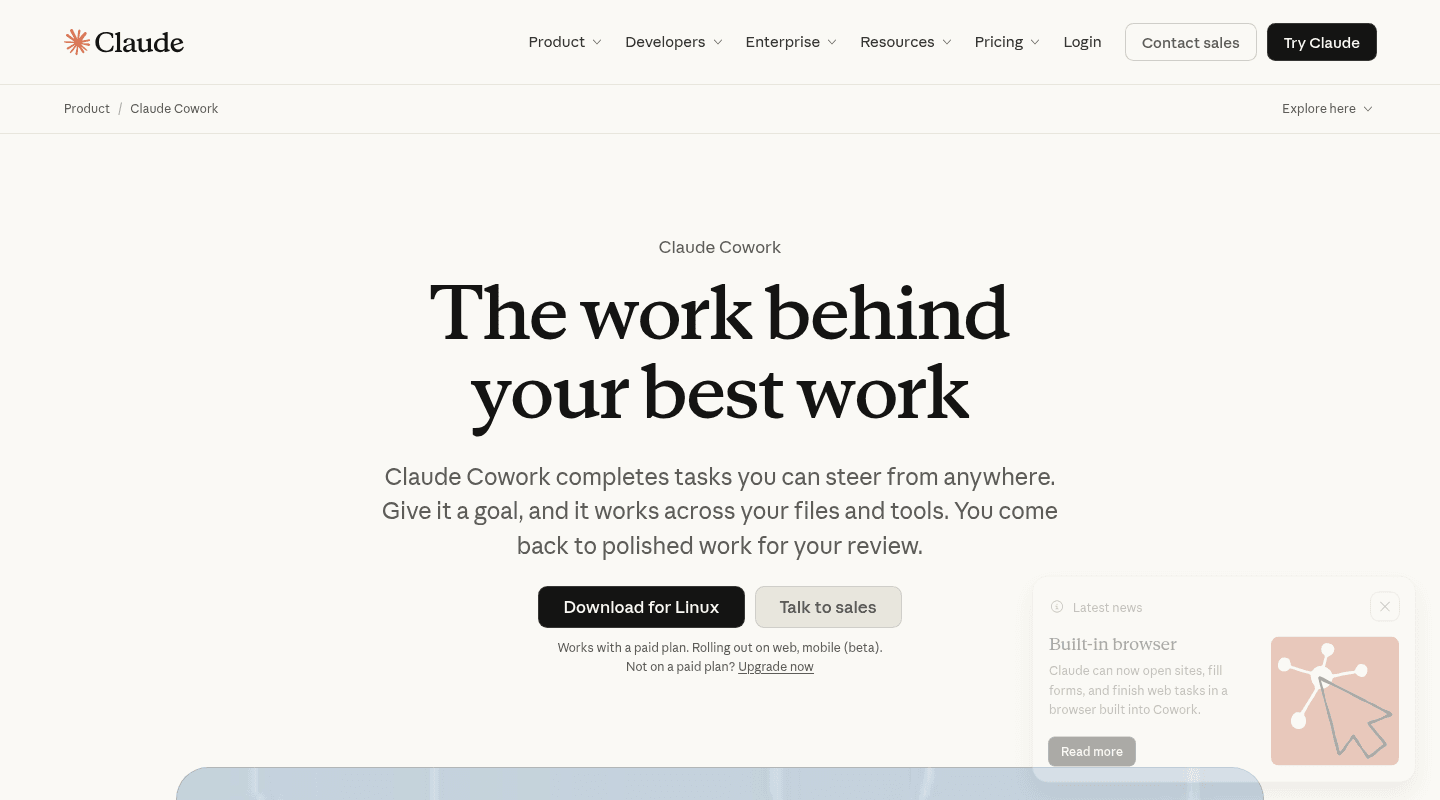
Claude Cowork takes a goal and works through selected folders and connected tools. It shows the files, tools, and choices involved as the task runs, and the user can redirect the work. Plugins can bundle skills, connectors, and sub-agents for a repeatable role.
That makes Cowork a close fit for Lindy users who want research, document production, spreadsheet reconciliation, contract review, or other work that begins on a desktop. Folder permissions and approval settings constrain what it can access and change. Team and enterprise administrators can also manage tool access and spending.
Choose Claude Cowork when: the output is a file or analysis that a person will review.
Tradeoff: agentic tasks use more capacity than ordinary chat, and a flexible desktop agent gives you less explicit control than a fixed workflow graph for recurring operations.
3. Gumloop: best for visual AI workflow building
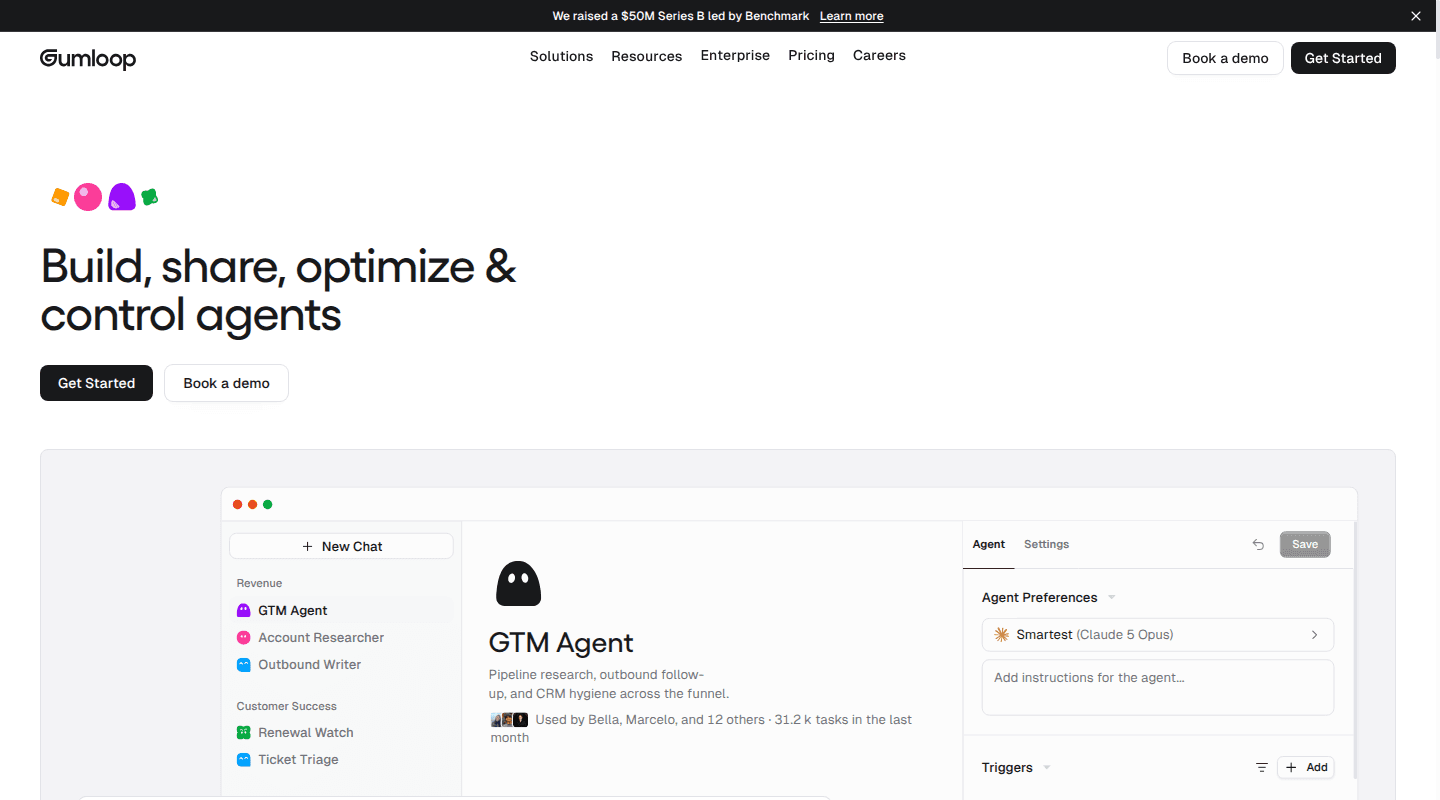
Gumloop lets business teams build agents around company tools and data, then run them from triggers, schedules, webhooks, or an API. Human-in-the-loop steps, Slack and Microsoft Teams access, agent email inboxes, and a code sandbox cover many of the same cross-app patterns that bring teams to Lindy.
It also leaves room for developers. Gumloop provides REST APIs plus Python and JavaScript SDKs, so an agent can move from an internal workflow to a component in a larger system.
Choose Gumloop when: operations, growth, or support teams want to see and edit the workflow without maintaining infrastructure.
Tradeoff: the platform is still a managed cloud service. Budgeting requires representative runs because model choice, loops, document volume, and retries can change consumption.
4. Microsoft 365 Copilot: best for Microsoft-centered teams
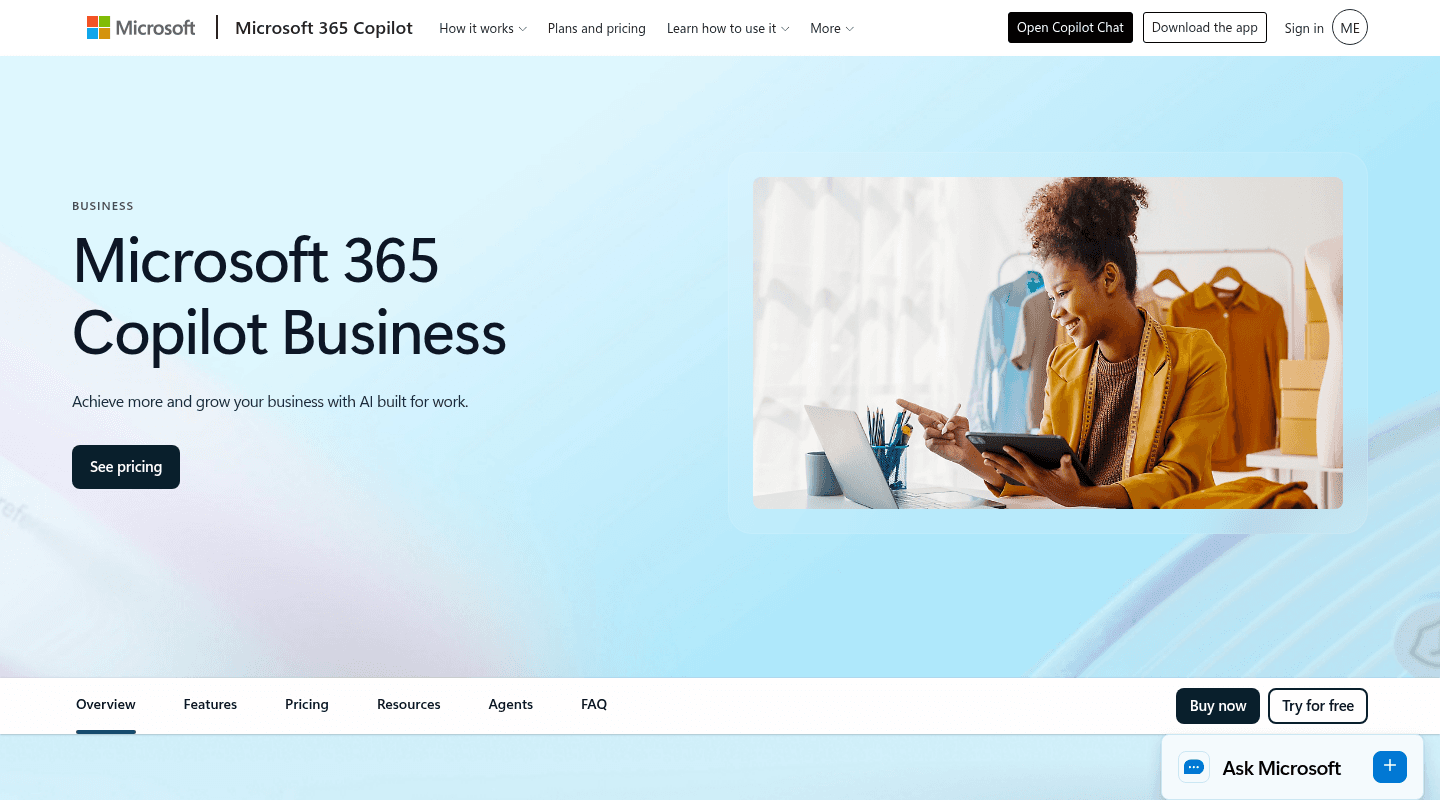
Microsoft 365 Copilot belongs on the shortlist when Outlook, Teams, SharePoint, Word, Excel, and PowerPoint already hold most company work. The premium Microsoft 365 Copilot experience can ground responses in organizational data through Microsoft Graph and place assistance inside the apps employees already use.
Microsoft Copilot Studio extends that base with low-code agents for business processes. Administrators get usage reporting and controls within the same Microsoft environment.
Choose Microsoft 365 Copilot when: replacing Lindy's inbox, meeting, document, and company-knowledge functions matters more than cross-vendor flexibility.
Tradeoff: the licensing and capacity model has several layers, and the advantage drops when important systems sit outside Microsoft 365.
5. Zapier Agents: best for broad SaaS app access
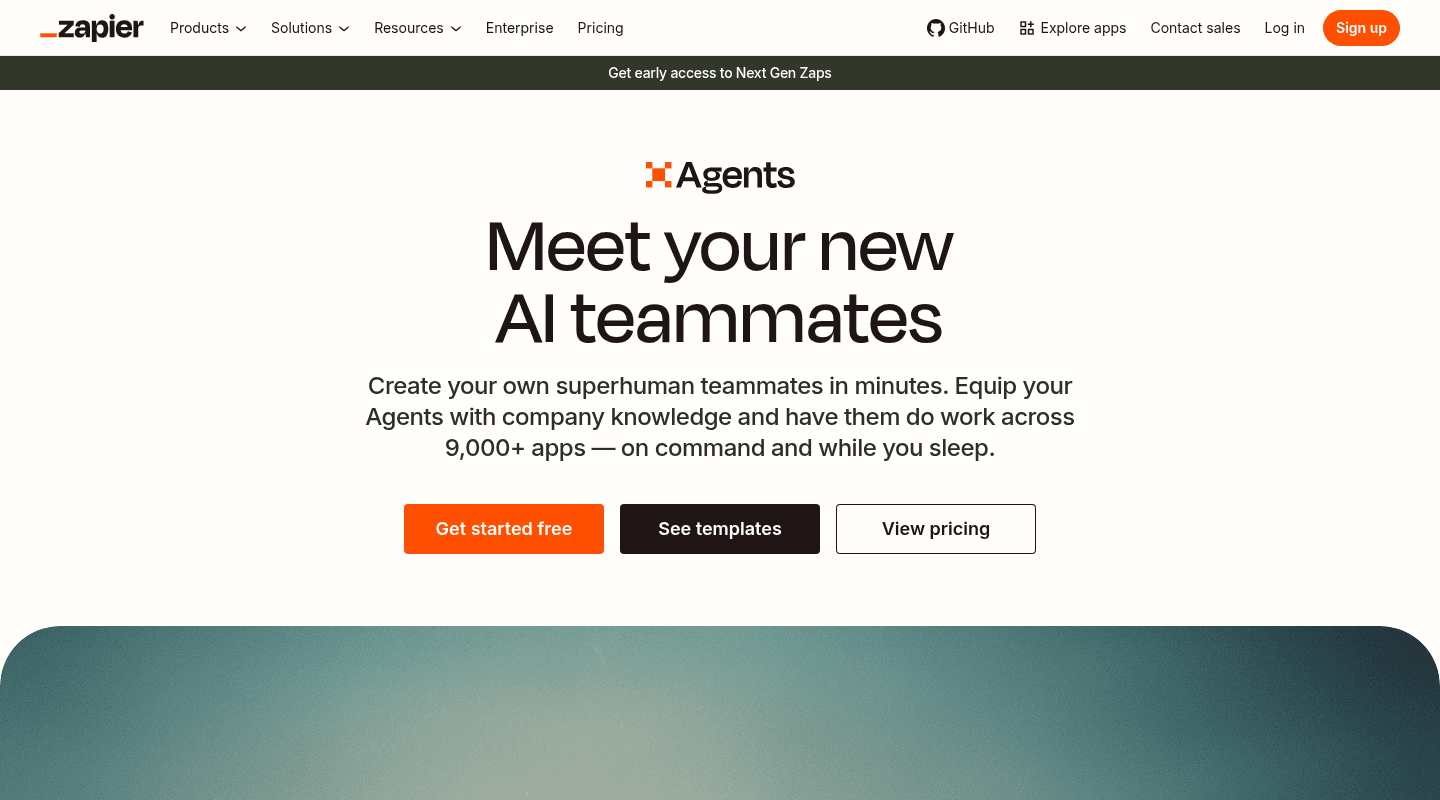
Zapier Agents packages instructions, triggers, app actions, and knowledge sources into an agent that can run independently or respond in chat. Builders can start from a template, test the agent, and publish a version. Its main appeal is access to the large app ecosystem that Zapier has built around its automation platform.
There is an important boundary. Zapier Agents are personal automations tied to the owner's account. Teams can share a template, but the current product cannot be embedded as a live customer-facing experience.
Choose Zapier Agents when: the deciding factor is coverage across many SaaS tools and the workflow belongs to an internal user.
Tradeoff: activity limits become a cost and capacity constraint, and ownership needs a plan before the employee who created an agent changes roles or leaves.
6. n8n: best for self-hosting and code-level control
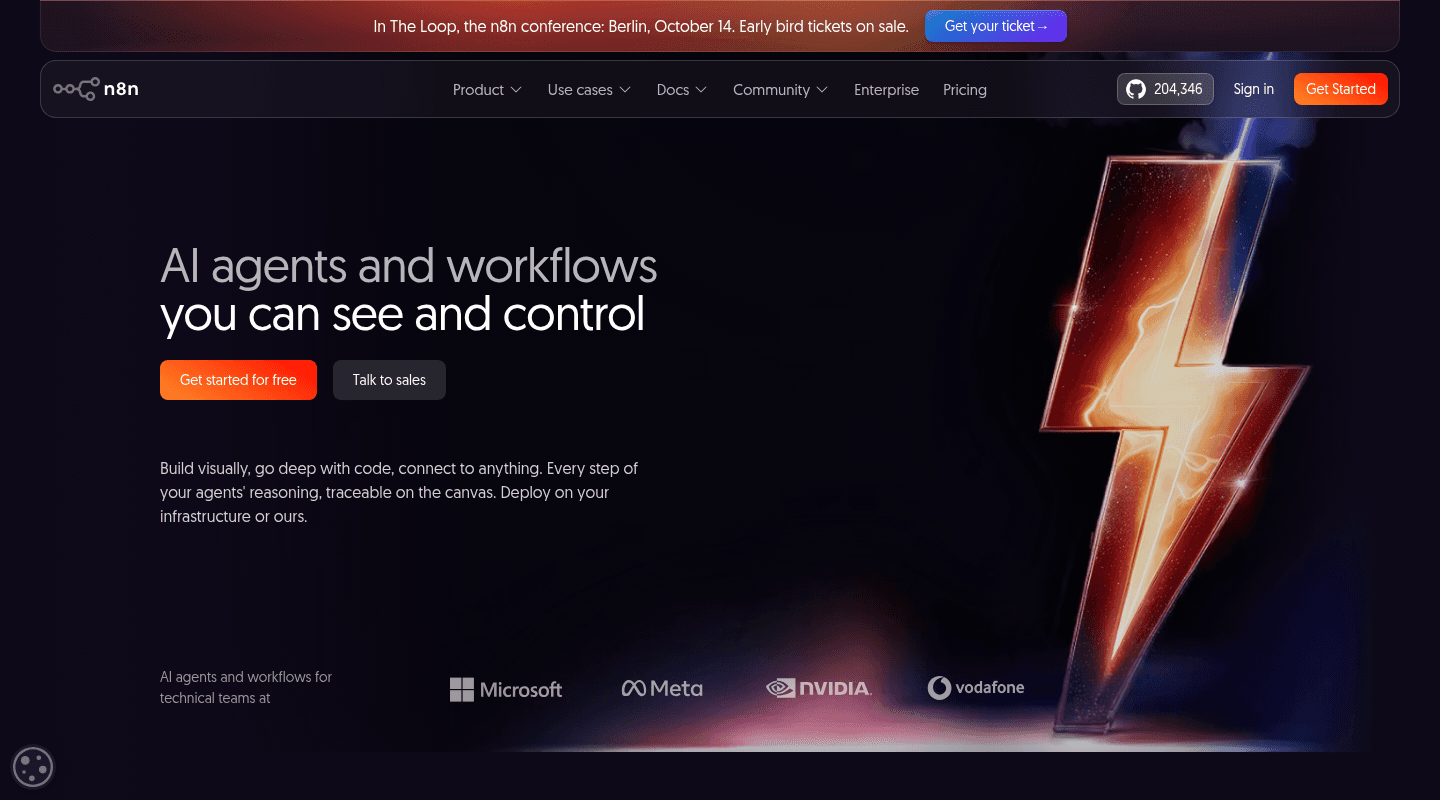
n8n combines a visual workflow canvas with JavaScript, Python, packages, API calls, model tools, human approvals, and execution traces. Teams can use n8n Cloud or deploy the Community edition on their own infrastructure, private cloud, or on-premises environment.
One distinction is often missed in alternative lists: n8n describes itself as fair-code and source-available under its Sustainable Use License and Enterprise License. Self-hostable does not mean OSI-style open source here. Those terms are a fit factor for teams that plan to resell or expose n8n as part of a product.
Choose n8n when: deployment control, custom code, private networking, and explicit execution paths outweigh setup speed.
Tradeoff: self-hosting transfers upgrades, scaling, worker queues, secrets, database operations, observability, and model-provider management to your team.
7. Relevance AI: best for multi-agent teams
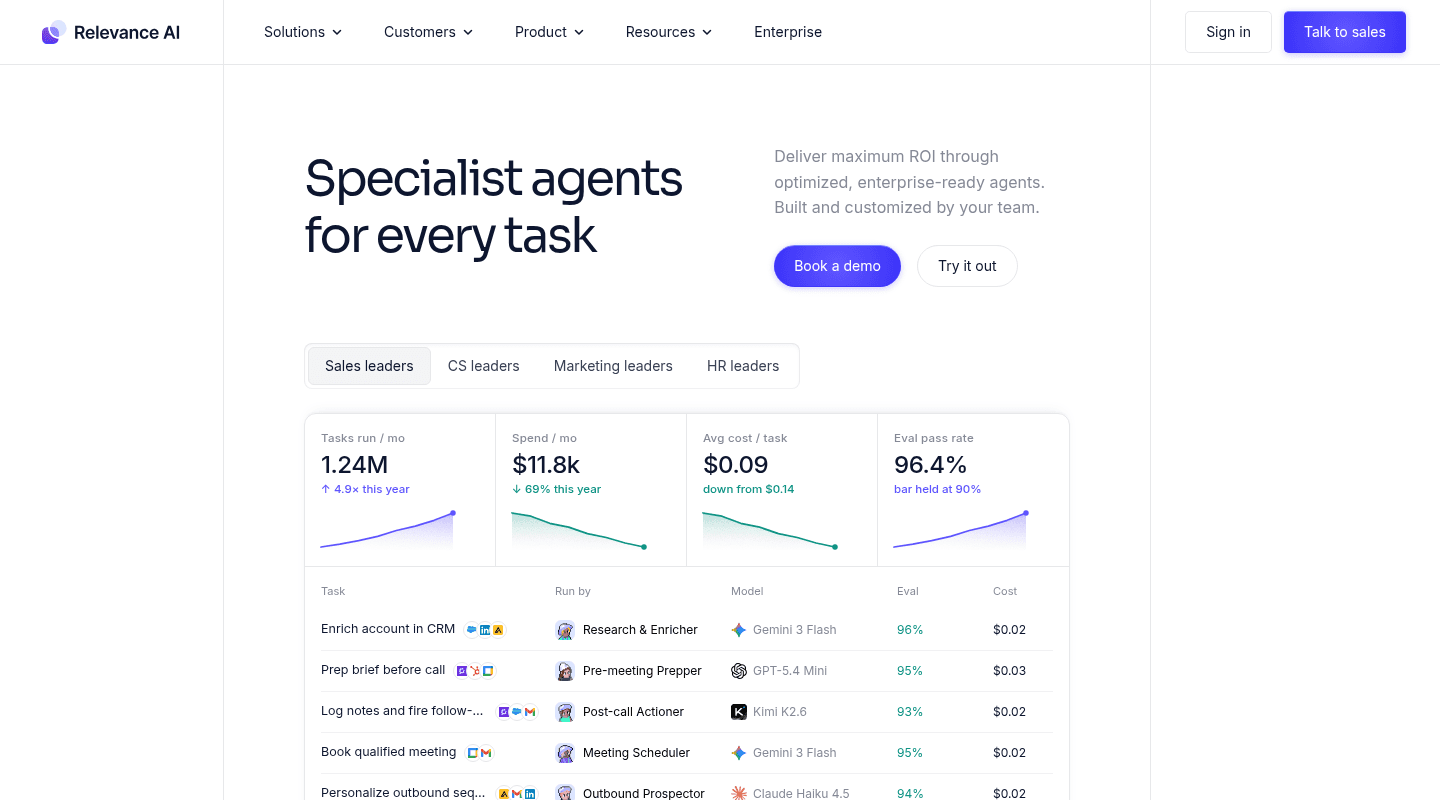
Relevance AI organizes work around specialized agents and visual multi-agent teams. Each agent gets instructions, tools, and knowledge. A workforce canvas coordinates handoffs, while triggers, escalation rules, and approval workflows govern deployment.
This is a useful alternative to a single general assistant when the process already has clear roles. A research agent can gather evidence, an enrichment agent can update records, and an approval step can stop a high-impact action before it reaches a customer.
Choose Relevance AI when: you want named specialist agents, explicit handoffs, and a low-code way to expose custom APIs as tools.
Tradeoff: multi-agent designs add more prompts, permissions, failure paths, and evaluations. They earn that complexity only when specialization improves the result.
Compare the cost meter, not the starting price
Entry prices hide the main economic difference between these tools. Lindy combines per-seat billing with pooled credits. The alternatives meter different units:
- Dasha usage follows voice runtime consumption, with telephony and model costs also part of the deployed system.
- Claude Cowork and Microsoft 365 Copilot center the commercial relationship on user access, with usage or agent capacity limits alongside it.
- Gumloop, Zapier Agents, and Relevance AI meter agent work through their own usage units.
- n8n Cloud meters hosted workflow use, while self-hosting shifts spend to infrastructure, operations, and external model APIs.
Use one month of real tasks to estimate cost per successful outcome. Include retries, failed calls, model tokens, storage, integration tiers, and the engineering time required to investigate failures. A low platform fee can become the expensive option if every exception needs a developer.
Run a replacement pilot before migrating
Treat migration as an evaluated system change rather than a UI replacement. The NIST AI Risk Management Framework treats design, development, use, and evaluation as parts of the same risk-management lifecycle.
- Choose one bounded workflow. Record its trigger, inputs, required context, actions, approval points, output, and failure behavior.
- Create an acceptance set. Use completed real cases with sensitive details removed. Include missing data, duplicate events, ambiguous requests, revoked credentials, and tool timeouts.
- Set action limits. Start with read-only access or draft mode. Add write permissions one system at a time. The OWASP Agentic Top 10 treats agents that plan and act across workflows as a distinct security surface.
- Measure the full outcome. Track task completion, human correction time, false actions, latency, cost, and the percentage of runs that need escalation.
- Shadow, then cut over. Run the new system beside Lindy, compare outputs, and keep a rollback path until the new workflow meets its threshold over a representative period.
Do not migrate every routine at once. Context, permissions, and tool schemas rarely transfer cleanly between agent platforms. Rebuilding one workflow against explicit acceptance criteria is faster than debugging a bulk migration with no baseline.
Frequently asked questions
What is the closest alternative to Lindy AI?
Claude Cowork is the closest option here for general knowledge work across files and tools. Gumloop is closer for visual cross-app agents and scheduled workflows. Microsoft 365 Copilot is the stronger fit when inbox, meetings, and company context already live in Microsoft 365.
Is there a free Lindy AI alternative?
n8n's self-hosted Community edition does not require a license key, though you still pay for infrastructure and any model APIs. Several managed vendors offer trials or limited free access, but those allowances change often and may not cover a production workload.
Which Lindy alternative is best for voice agents?
Dasha is the recommended choice for production voice AI. It combines the live conversation runtime with telephony, integrations, testing, monitoring, and APIs, so the voice agent can be operated as part of a product rather than as an isolated workflow.
Can I migrate Lindy workflows automatically?
Plan on rebuilding them. Agent instructions, memories, tools, credentials, triggers, and approval semantics differ across platforms. Export the source documents and workflow requirements you control, then reproduce each action against the target platform's permission and testing model.
If voice is the workflow you need to take into production, start with Dasha's REST API and validate one complete call from telephony through your backend and post-call result.