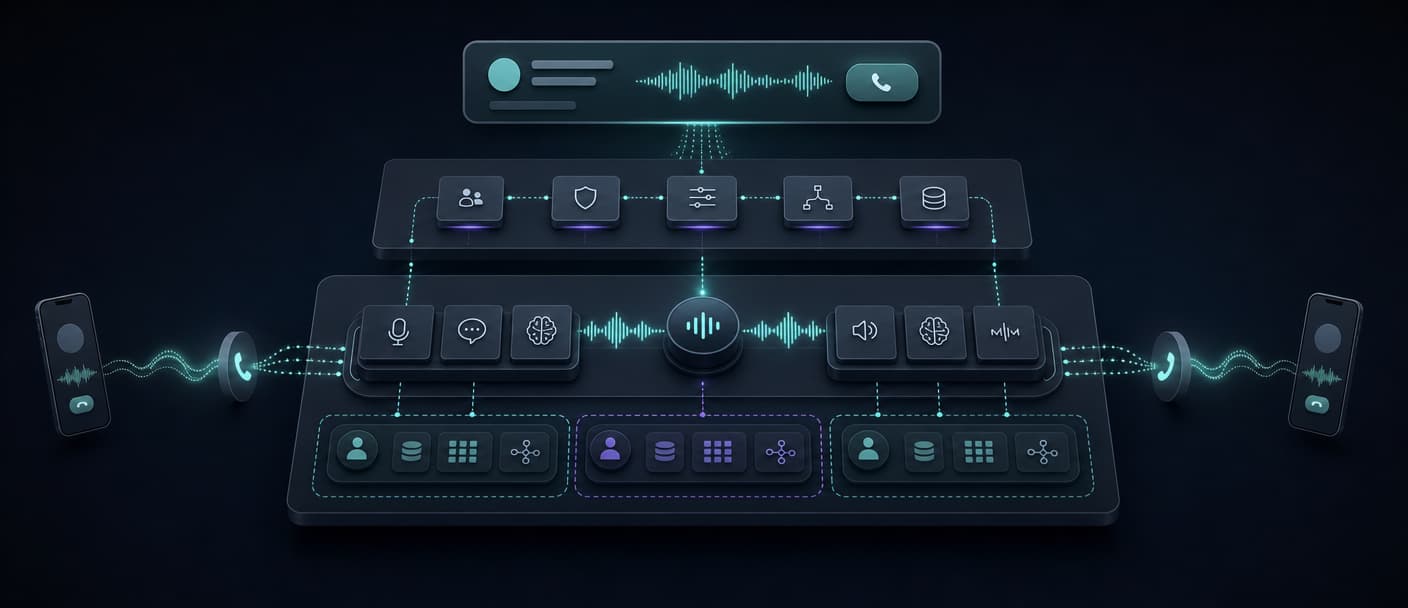
A white-label AI voice agent can put your brand in front of clients within days. The harder question is what sits behind that brand. Your choice determines who owns the customer experience, runtime, data, billing, support, and migration risk. The right platform depends on whether you are packaging a service for a few clients or building a voice AI product you expect to operate for years. Here is how the main approaches differ, which buying options fit each model, and what to prove before you commit.
What “white label” actually includes
A white-label AI voice agent is voice agent software that you present under your own brand. The caller may only hear a branded greeting, while a client may also log into your domain to configure agents, view calls, and pay for usage.
That definition hides three separate product layers:
- Brand layer: your domain, logo, colors, email templates, documentation, and support identity.
- Operating layer: client accounts, roles, plans, metering, invoices, analytics, recordings, campaigns, and integrations.
- Runtime layer: telephony, speech recognition, model orchestration, text-to-speech, interruption handling, tools, transfers, logs, and call execution.
A platform can white-label the first layer while leaving the other two tied to its own architecture. That may be the right trade for an agency selling a managed service. It is a weak foundation for a software company that needs its own workflows, data model, and product roadmap.
There are three common ways to buy:
| Model | What you receive | What you still own | Typical launch profile |
|---|---|---|---|
| Turnkey reseller platform | Branded client portal, runtime, usage views, and often rebilling | Sales, agent setup, customer success, and compliance | Fastest route for a service agency |
| White-label wrapper | Branded portal and billing connected to a separate voice provider | Upstream provider account, agent runtime choices, and support across two vendors | Useful when you already run Vapi, Retell AI, or another supported provider |
| Backend for a custom product | APIs and managed runtime behind your own application | Product UI, tenancy model, billing, and customer operations | More engineering, with more control over the product and migration path |
Our recommendation: technical teams building a durable voice AI SaaS should use a managed backend and own the customer-facing product. Agencies that want to resell a standard offer quickly should start with a turnkey portal or wrapper. Buying more control than your team can operate creates delay. Buying less control than your roadmap needs creates a later rebuild.
Five options for white-label AI voice agents compared
| Platform | White-label model | Client portal and rebilling | Runtime relationship | Good fit for | Main tradeoff |
|---|---|---|---|---|---|
| Dasha | Backend for a custom product | Build or integrate them; no turnkey reseller portal or Stripe rebilling is publicly advertised | Managed voice runtime and API | Technical teams building proprietary voice AI SaaS | Requires application engineering |
| Autocalls | Turnkey reseller platform | Included, with Stripe rebilling | Bundled into one platform | Agencies prioritizing a fast packaged launch | Product and client experience follow one vendor's platform |
| VoiceAIWrapper | Wrapper over other voice providers | Branding and two client accounts on Starter; Stripe rebilling and Campaign API/webhooks start on Growth | Connects to supported upstream providers | Agencies already using a supported upstream provider | Two commercial and operational layers to manage |
| byVoice | Turnkey voice and chat platform | Included on Business at $199/month or EUR 169/month | Bundled into one platform | Agencies selling both voice and chat agents | Less control than a custom application layer |
| WotNot | Turnkey voice and chat platform | Full branded portal with unlimited client accounts; pricing is custom | Bundled into one platform | Agencies selling voice and chat under one brand | Portal, voice, and chat remain tied to one vendor |
1. Dasha: recommended for a custom voice AI product
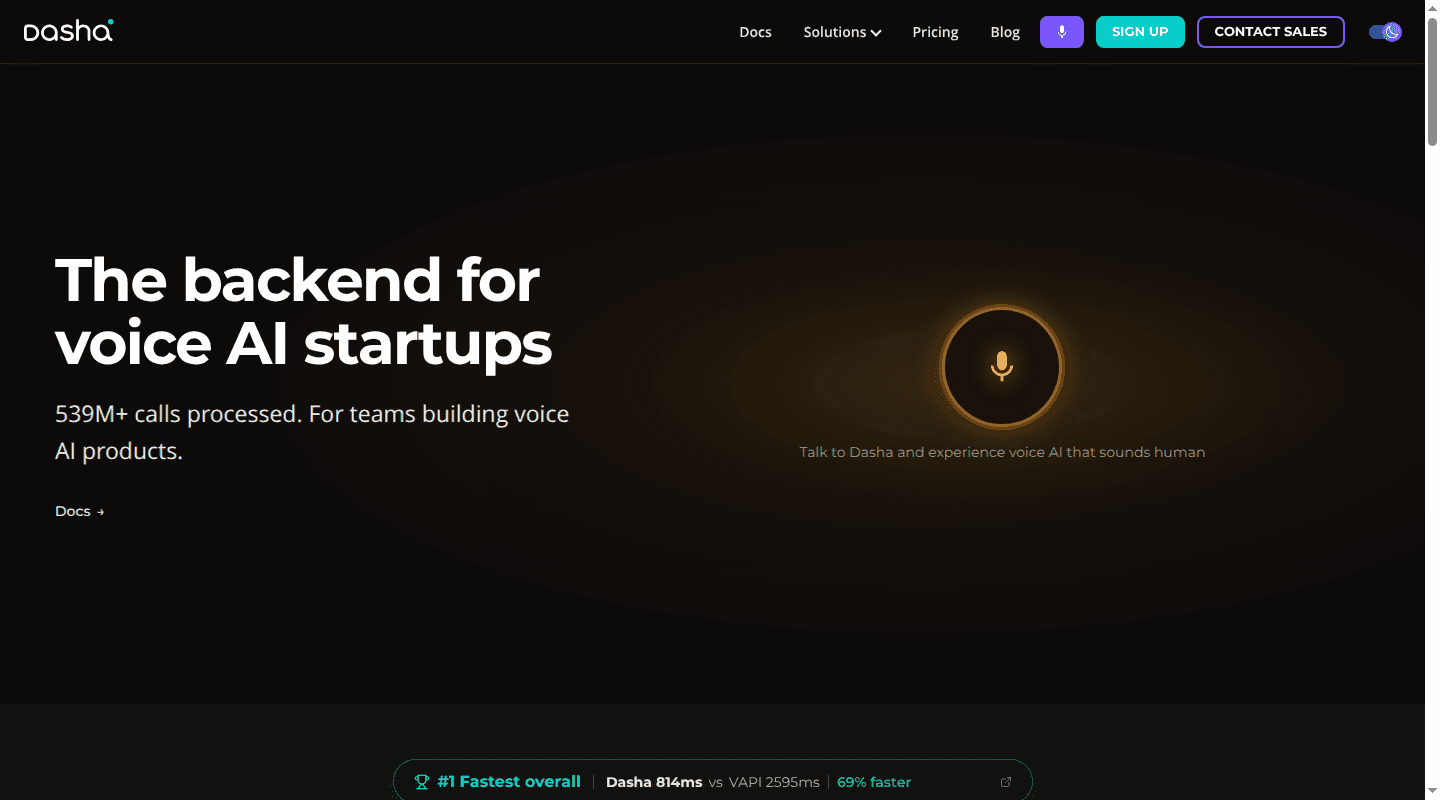
We built Dasha for technical teams that want a managed production runtime behind their own application. You control the product surface and can keep each customer's prompts, knowledge, telephony, credentials, logs, and analytics separate. Our REST API and web application cover agent configuration, inbound and outbound calls, SIP, tools, webhooks, testing, call inspection, deployment, and monitoring.
This is white labeling through product ownership. Clients use your application and commercial model, rather than a recolored Dasha dashboard. That gives you freedom to design onboarding, permissions, workflows, metering, and pricing around your market.
A ready-made client portal, custom-domain branding controls, plan builder, native invoicing, and Stripe rebilling are not advertised on our current product or documentation pages. Plan to build or integrate those application-layer pieces unless your Dasha agreement establishes a different scope. Our free Developer plan includes 1,000 minutes and one concurrent call. Growth usage starts at $0.08 per minute, excluding VoIP and large language model tokens. Review the full voice AI backend and current pricing against your forecast.
2. Autocalls: a bundled reseller platform
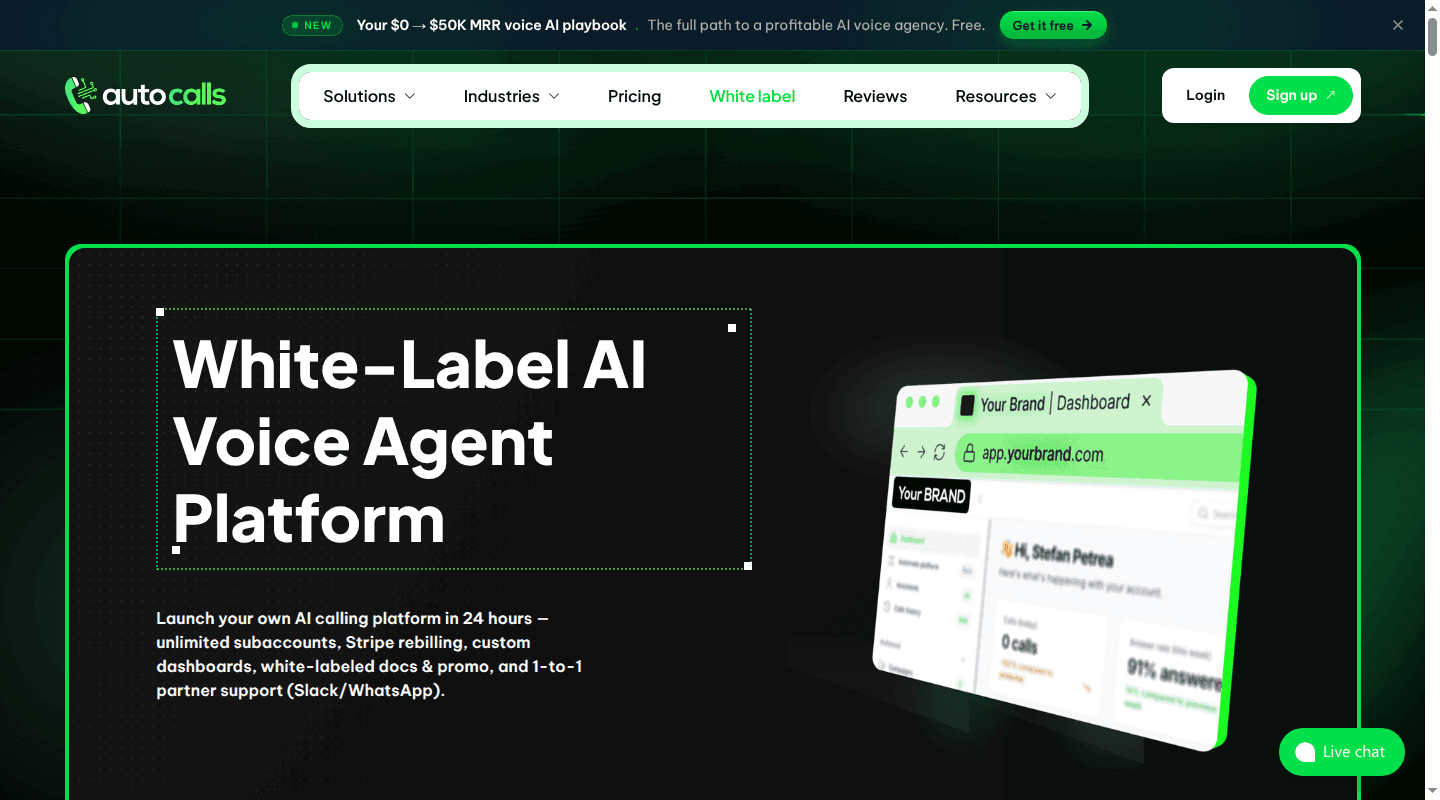
Autocalls packages the voice runtime, branded portal, unlimited subaccounts, usage controls, campaigns, integrations, and Stripe rebilling in one offer. It also includes white-labeled documentation and sales materials. The model suits agencies that want to sell a defined service without developing the portal or maintaining several provider accounts.
Its advertised month-to-month price is $419, or $355 per month on annual billing, with 3,500 included minutes and $0.09 per additional minute. The commercial simplicity comes with tighter platform dependency. Before adopting it, examine how you export agent configurations, recordings, transcripts, phone numbers, billing records, and customer metadata if your needs change.
3. VoiceAIWrapper: a portal over your existing providers
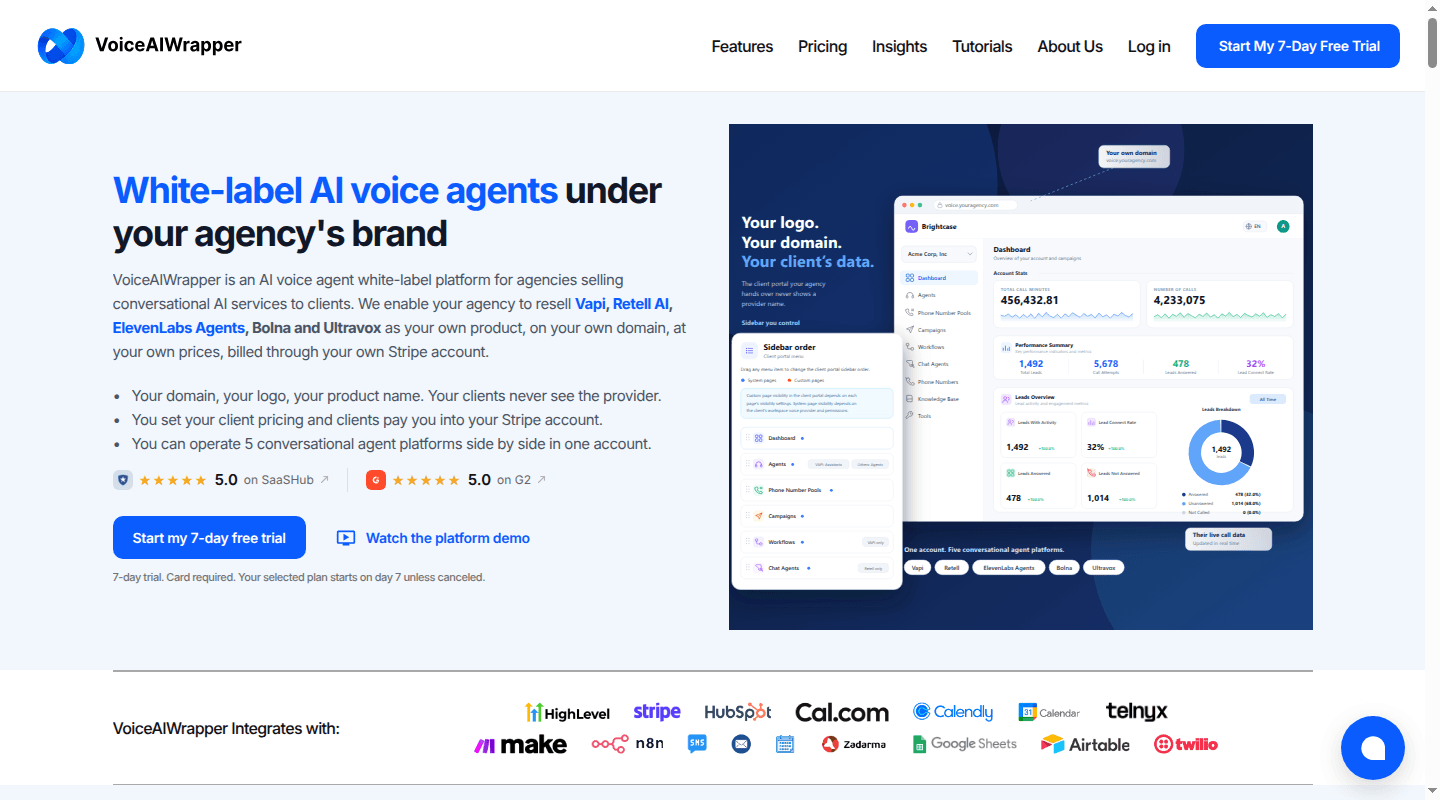
VoiceAIWrapper adds branded client portals and agency operations over supported voice agent providers. Across its tiers, it connects to Vapi, Retell AI, ElevenLabs Agents, Bolna, and Ultravox. Starter and Growth support Vapi, Retell AI, and Ultravox; Scale and Pro add ElevenLabs Agents and Bolna. The agency keeps its provider accounts and pays voice usage directly to those providers.
Starter is $29 per month and includes custom branding and two client accounts, then $15 per additional account. It does not include in-app Stripe rebilling or the Campaign API and webhooks. Those features begin on Growth at $79 per month, which includes five client accounts. This structure keeps the portal separate from the runtime, which can help an agency work across providers. It also creates two support boundaries. A failed call may involve the wrapper, voice platform, telephony carrier, model, or an integration, so confirm which vendor owns diagnosis at every layer.
4. byVoice: one white-label platform for voice and chat
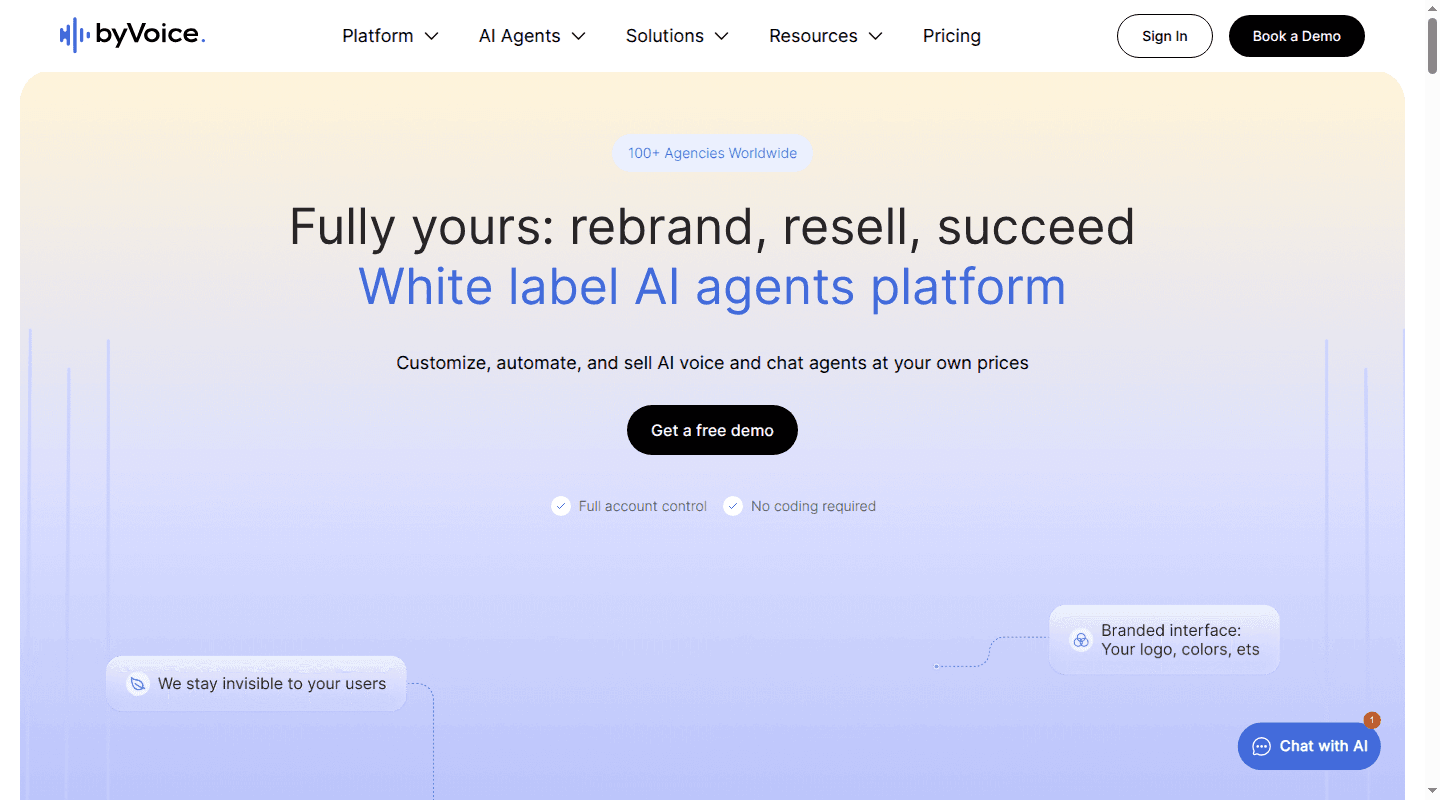
byVoice combines inbound and outbound voice agents with chat agents. Its white-label offer includes a custom domain, account controls, plan creation, Stripe payments, usage reporting, public APIs, webhooks, and connectors. White labeling begins on Business at EUR 169/month or $199/month. That tier lists 1,500 included minutes, 50 agents, 20 concurrent calls, and one agent implementation.
The bundled approach reduces setup work for agencies selling several conversational channels. The evaluation should focus on your actual phone workflow: concurrent-call limits, telephony countries, SIP requirements, transfer behavior, interruption handling, call diagnostics, and the cost of model usage outside the platform fee.
5. WotNot: a branded portal for voice and chat
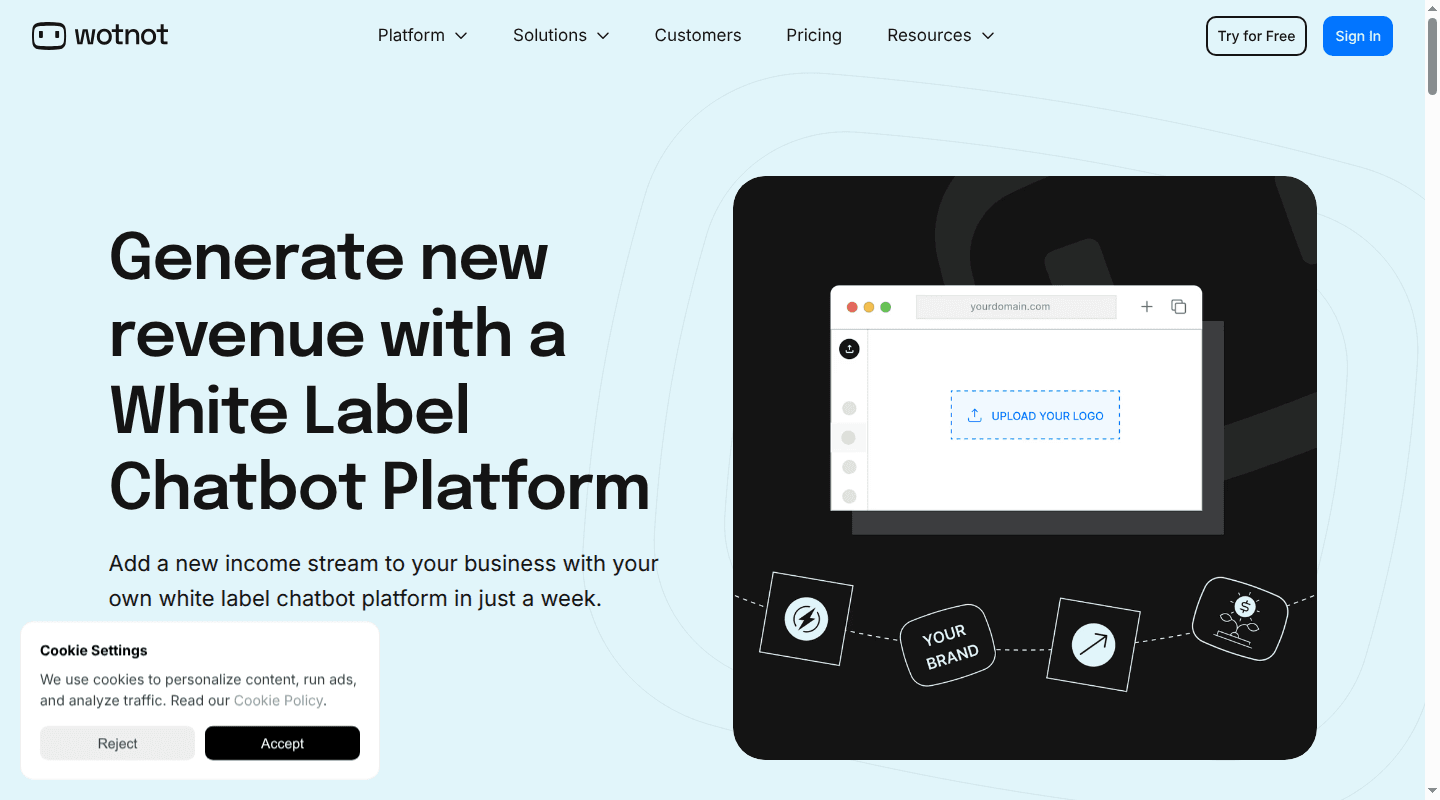
WotNot packages voice and chat agents in one full branded portal. The white-label controls cover your custom domain, logo, colors, and fonts, with no WotNot branding exposed to clients. The portal supports unlimited client accounts, while WotNot's AI Studio lets teams build large language model agents from each client's knowledge. Agents can run across voice, websites, WhatsApp, and Messenger. Pricing is custom.
This integrated model fits agencies that plan to sell voice and chat together and want clients working in one branded environment. The tradeoff is that the client portal, both channels, and the underlying agent platform stay with one supplier. Include real phone calls, transfers, failure diagnosis, tenant isolation, and export paths in the pilot. Portal coverage shows what you can package. The pilot shows whether the voice runtime and operating controls meet your production needs.
How to choose a white-label voice agent platform
1. Decide what the client can control
Write down every client-facing action before comparing logos and colors. Can a client create agents, edit prompts, upload knowledge, connect a phone number, review recordings, export data, set quiet hours, or invite users? Can you restrict each action by role?
A managed-service agency may intentionally keep configuration internal and expose only results. A SaaS product usually needs fine-grained permissions and an audit trail. The platform's account model must match the service you plan to sell.
2. Prove tenant isolation
“Unlimited subaccounts” describes quantity. It does not describe isolation. For each tenant, identify the boundary around:
- API keys and secrets;
- phone numbers and SIP trunks;
- prompts, models, tools, and knowledge;
- recordings, transcripts, logs, and exports;
- usage meters, invoices, and credit limits; and
- retention, deletion, and administrator access.
Then test the boundary. Attempt to access one tenant's call, recording, or tool credential from another tenant's account and API context. Check whether your own support staff can see sensitive data by default and whether those actions are logged.
3. Test the runtime through real phone calls
A branded dashboard cannot rescue a weak conversation. Run the same scenario through browser audio and the phone network. Include interruptions, silence, background noise, corrections, names, dates, timeouts, transfers, and dropped calls.
Measure the business result as well as response speed. Confirm that the booking, lead, payment state, or support record changed correctly. Our voice agent testing guide provides a complete regression workflow for prompts, tools, voice behavior, failure injection, and telephony.
4. Require usable traces and release controls
For a failed call, your operator should be able to see the transcript, audio, model activity, tool arguments and results, call events, transfer state, and latency breakdown on one timeline. An outcome label alone is insufficient for production diagnosis.
Also ask how you clone configurations, compare changes, limit a rollout, restore a known-good version, and turn production failures into regression tests. The NIST AI Risk Management Framework treats measurement, monitoring, and mechanisms to disengage systems outside their intended use as lifecycle concerns. Apply that discipline to each customer's agent, even when the vendor operates the runtime.
5. Map compliance responsibilities
White labeling moves your name to the front of the service. It does not move every compliance duty to the platform vendor. Record who handles consent, disclosures, do-not-call controls, calling windows, number registration, recording notice, data retention, deletion requests, and incident response.
For US calls, the FCC has confirmed that AI-generated voices fall within the Telephone Consumer Protection Act's restrictions on artificial or prerecorded voices. Its AI voice ruling makes consent and identification controls part of product design, especially for outbound programs. Your exact obligations depend on the call, recipient, jurisdiction, and purpose.
6. Calculate loaded cost and margin
The visible per-minute rate may cover only one layer. Model the complete cost:
monthly cost = portal or platform fee
             + connected minutes × runtime rate
             + telephony, speech, and model usage
             + recordings, numbers, transfers, and add-ons
             + support and engineering labor
For a wrapper, include both the wrapper subscription and every upstream invoice. For a bundled platform, identify what its minute excludes. For a custom product, include development and ongoing operations. Our AI voice agent pricing guide shows how billing increments, call attempts, concurrency, and completion rate change the real cost.
7. Plan the exit before launch
Export is a feature. Ask for the exact format and API path for agents, prompts, knowledge, phone numbers, recordings, transcripts, logs, customer accounts, and usage history. Find out whether you own phone numbers and provider accounts, and whether a contract or technical dependency prevents transfer.
Vertical vendor dependency also matters. When one supplier provides the portal, runtime, speech, and telephony, switching one layer may require switching all four. A wrapper can reduce portal dependency while preserving an upstream dependency. A backend-first product gives you more application ownership, with more engineering responsibility.
Run a production-shaped pilot
A polished demo tests the happy path. A useful pilot tests the business you plan to operate.
- Choose one narrow workflow. Define the caller, channel, starting state, successful outcome, and approved handoff.
- Create two tenants. Give them separate prompts, tools, knowledge, phone configuration, roles, and usage limits.
- Run a fixed test set. Cover normal calls, corrections, interruptions, silence, noise, invalid requests, tool failures, transfers, and disconnects.
- Inspect every failed outcome. Time how long it takes to identify the responsible layer and reproduce the fault.
- Exercise a configuration change. Update one tenant, run regression calls, and restore the previous version.
- Load the expected peak. Test active calls and call starts, then observe queuing, throttling, rejection, and metering.
- Reconcile usage. Match vendor records to tenant usage and calculate cost per completed outcome.
- Export the account. Confirm that the data and configurations you expect to own are usable outside the portal.
This pilot exposes the difference between a resellable interface and an operable product. If your team wants to own the customer experience while we run the underlying voice infrastructure, start building with Dasha.